FAQ
How to Import Stats from GameChanger
Export your season stats from GameChanger as a CSV file, then upload it to Rizzler's import tool (Coach and Club plans). The same importer also accepts ad hoc CSV files, so stats kept in a spreadsheet or exported from another app can come over the same way. Rizzler maps player names to your roster, imports batting, pitching, and fielding stats, and uses that data to power AI batting orders, AI fielding positions, and stats analysis.
Step-by-Step Import Process
- Open GameChanger and navigate to your team's season stats.
- Export as CSV. GameChanger offers CSV export for batting, pitching, and fielding stats. Download each file.
- Open Rizzler's web app and go to your team settings → "Import Stats."
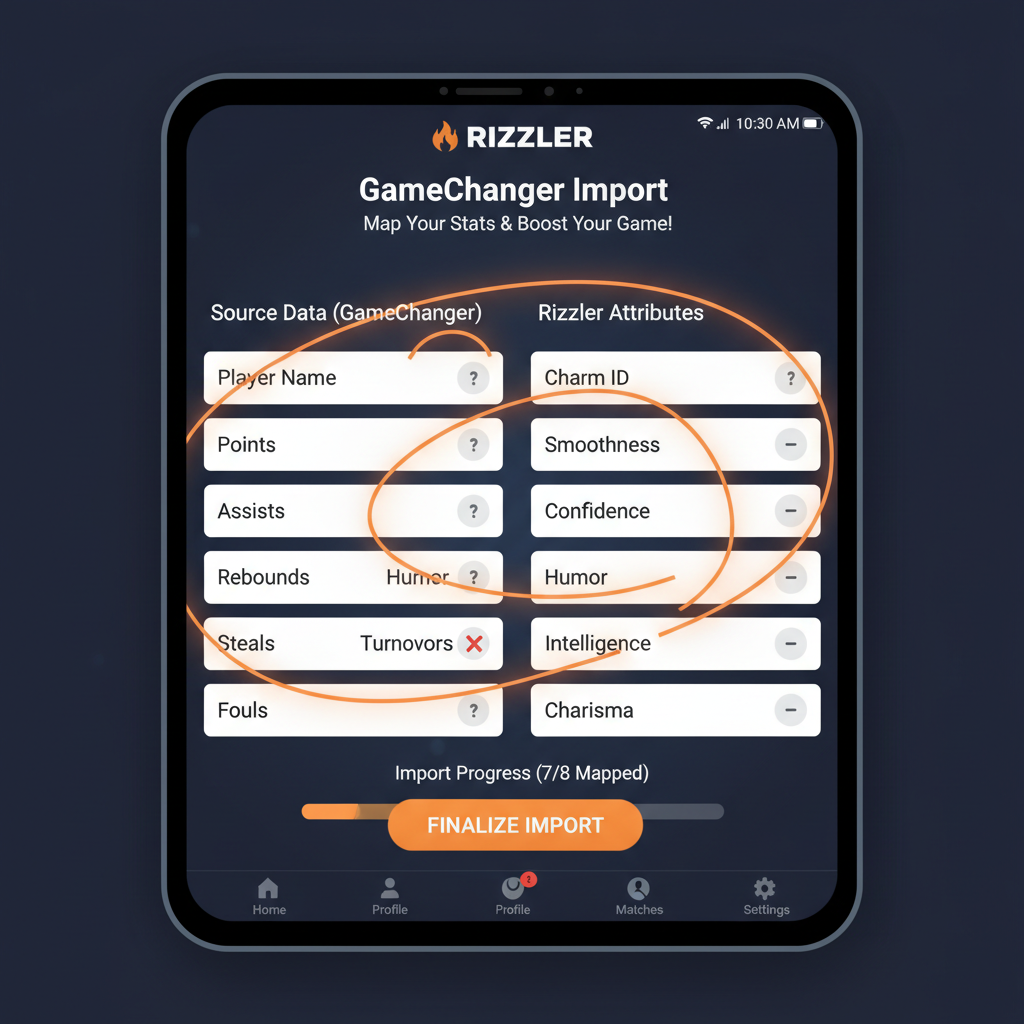
- Upload the CSV files. Rizzler reads the columns and maps them to Rizzler stat fields.
- Map players. Rizzler automatically matches player names from GC to your Rizzler roster. Fix any mismatches (nicknames, spelling differences) manually.
- Review and confirm. Check the numbers, hit confirm, and the stats are live in Rizzler.
The whole process takes about 5 minutes per import.
For the full feature overview, see the GameChanger import feature page.
Frequently Asked Questions
Do I need the Coach plan to import from GameChanger?
Yes. GameChanger import requires the Coach plan or the Club plan.
Can I import mid-season?
Yes. Import anytime. Many coaches import after every tournament weekend to keep Rizzler's AI features current with the latest data.
Will importing overwrite stats I've tracked in Rizzler?
No. Rizzler merges imported data with existing records. If the same game was scored in both systems, Rizzler flags the duplicate and lets you choose.
What stats transfer from GameChanger?
Batting (AVG, OBP, SLG, OPS, hits, at-bats, walks, strikeouts, RBI), pitching (ERA, pitch counts, strikeouts, walks, innings pitched), and fielding (fielding percentage, errors, putouts, assists).
Import your GC data and let Rizzler's AI do the rest.
Talk to our team
Want to spend more time coaching and less time with paperwork? Let's talk.
Tell us about your team and we'll show you how to plan games, set lineups, run the schedule, and develop players in one place, so you spend the season coaching instead of chasing admin.
Less admin, more coaching
Plan games, set lineups, and track the season in one place
Keep every family in the loop automatically
Tell us about your program
4 fields · takes 30 seconds
Lands in the same inbox as the Help button · human response only
Read Next
How to Run a Volleyball Tryout: A Coach's Step-by-Step Guide
LearnHow to Sync Your Team Schedule to Google Calendar
LearnTournament Planning for Youth Baseball: The Complete Guide
BlogRizzler for Baseball & Softball Coaches
For CoachesHow to Run a Baseball Tryout: A Coach's Step-by-Step Guide
LearnImport Stats from GameChanger into Rizzler
Features