Features
Import Stats from GameChanger
Rizzler's GameChanger import lets you pull your team's batting, pitching, and fielding stats directly from GameChanger into Rizzler, so your AI lineups, game plans, and stats analysis run on real data from day one. No manual entry. No re-scoring old games. Export from GC, import into Rizzler, and your stats are ready.
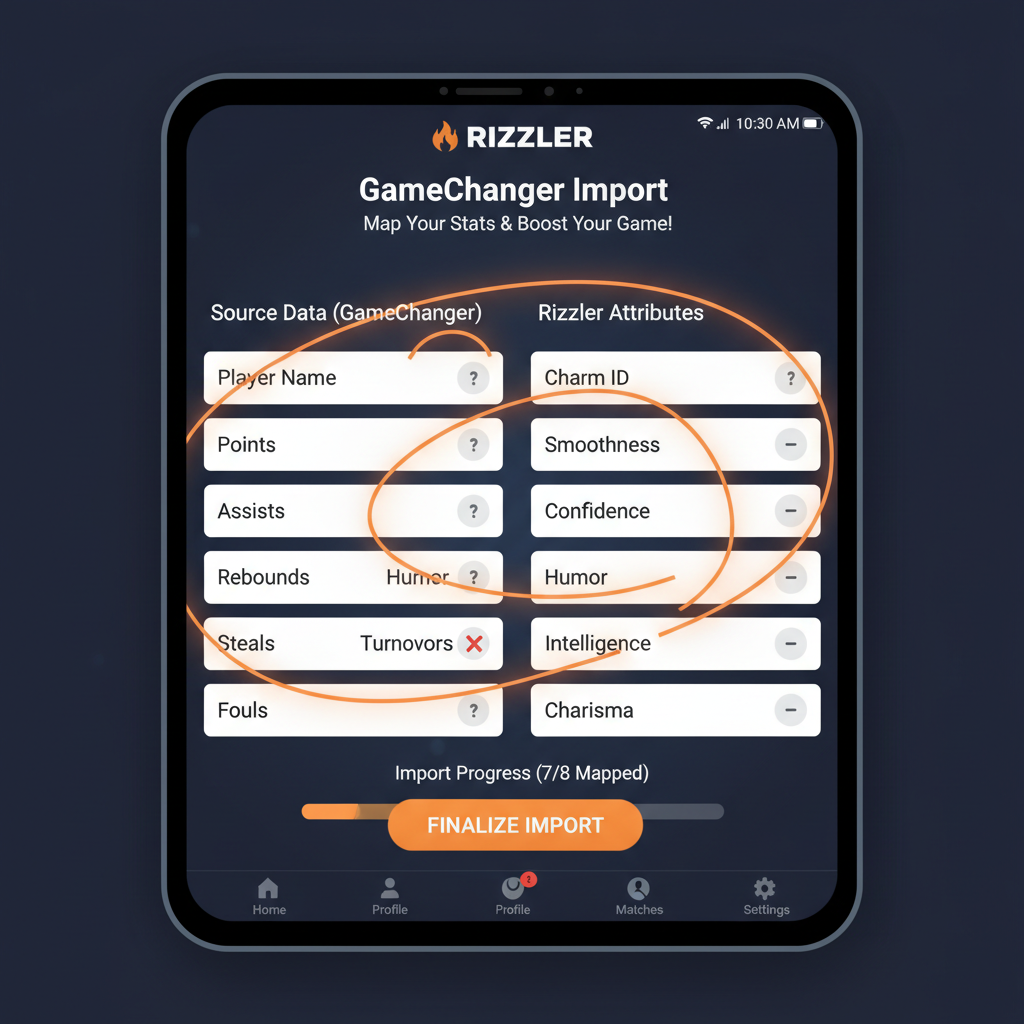
Why Import from GameChanger?
Your parents already score games in GameChanger. They've been doing it all season, and the data is solid: batting averages, pitch counts, fielding stats, the works. The problem is that GC data stays in GC. It doesn't power your lineup decisions, and it doesn't feed into your game plan.
Rizzler fixes that gap. Import your GameChanger stats, and Rizzler's AI engine uses that data to build better batting orders, smarter fielding rotations, and data-backed game plans. Your parents keep scoring in GC. You coach with the data in Rizzler.
How GameChanger Import Works
Step 1: Export your stats from GameChanger. In your GC team account, export your season stats as a CSV file. GC gives you batting, pitching, and fielding exports.
Step 2: Upload the CSV to Rizzler. In Rizzler's web app, go to your team settings and select "Import Stats." Drop in the CSV file.
Step 3: Map players automatically. Rizzler matches GC player names to your Rizzler roster. If a name doesn't match (nicknames, spelling differences), you map it manually. It takes about 30 seconds.
Step 4: Review and confirm. Rizzler shows you the imported stats before saving. Verify the numbers look right, hit confirm, and the data is live.
Step 5: AI features activate. With real stats loaded, Rizzler's AI batting order, AI fielding positions, and AI stats analysis immediately start using the imported data. Your next game plan is built on a full season of real performance data.
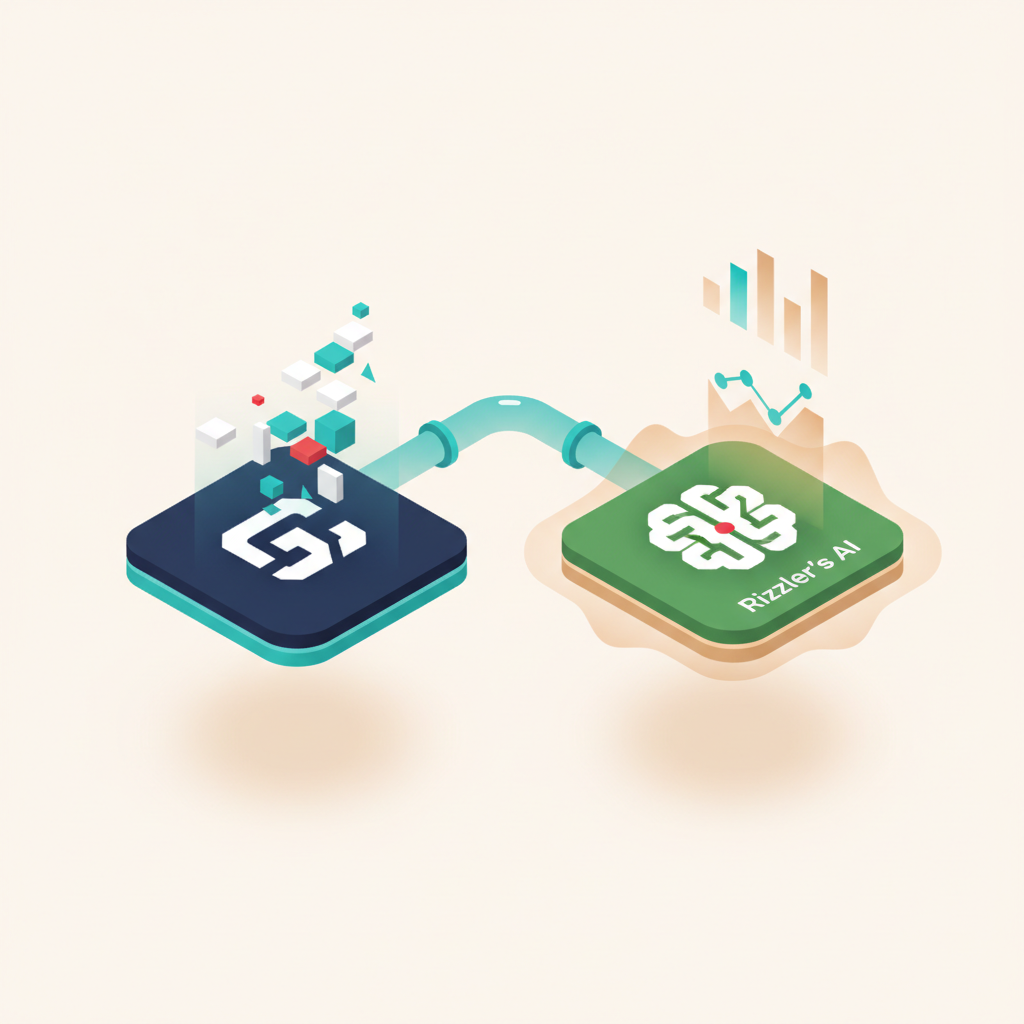
What Stats Transfer
| Stat Category | What Imports | What Rizzler Does with It |
|---|---|---|
| Batting | AVG, OBP, SLG, OPS, hits, at-bats, walks, strikeouts, RBI | Powers AI batting order optimization |
| Pitching | ERA, pitch count history, strikeouts, walks, innings pitched | Feeds rest day calculations and pitch tracking history |
| Fielding | Fielding percentage, errors, putouts, assists | Informs AI fielding positions |
GameChanger Import for Travel Coaches
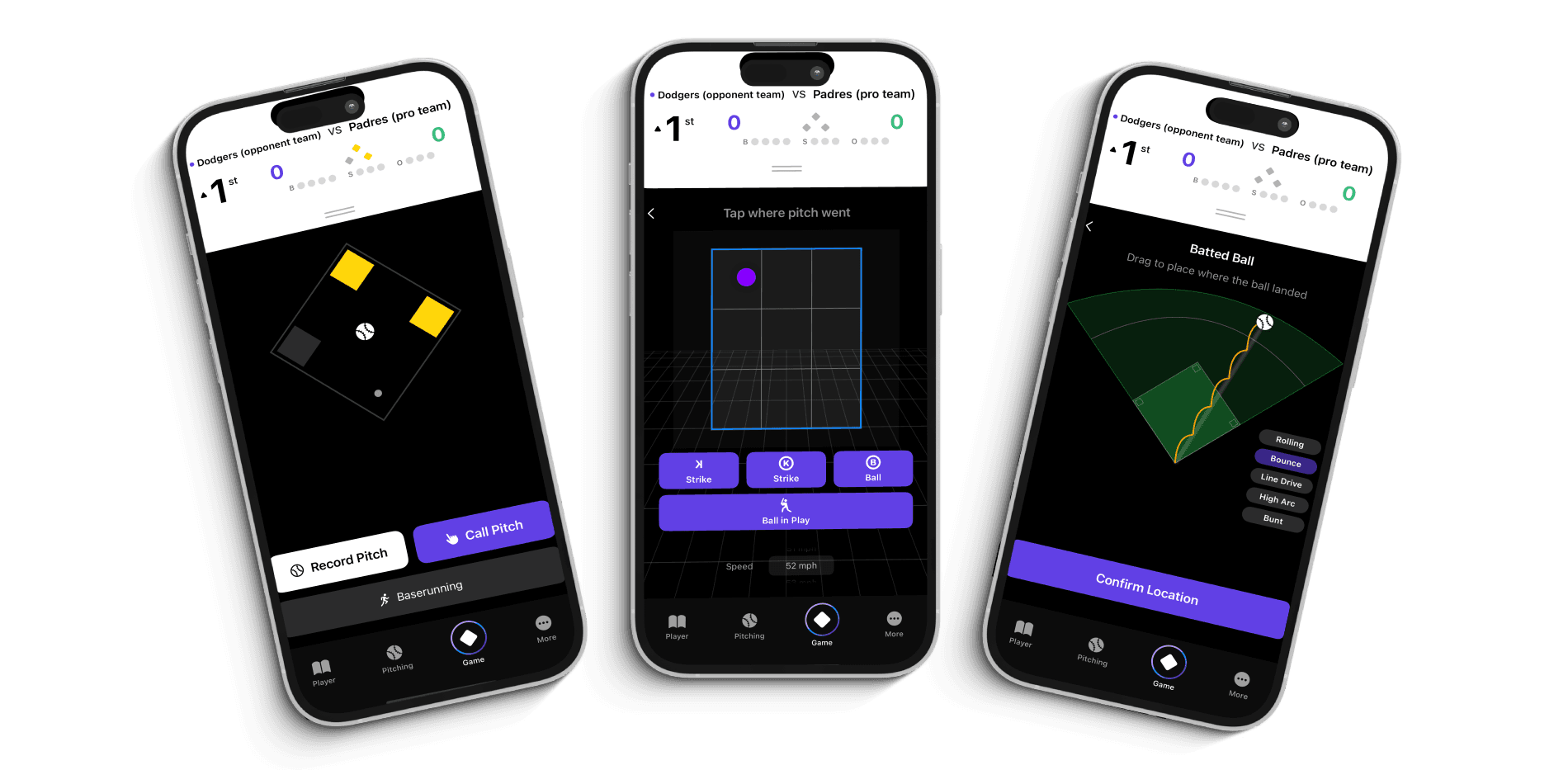
You play 50 games a season. Your parents have been scoring every one of them in GC. That's a goldmine of data sitting in a platform that doesn't help you plan your next game.
Import midseason and Rizzler instantly has 25 games of real batting data to analyze. Your AI lineup isn't guessing based on three games. It's working with half a season of at-bats, matchups, and trends. The difference in lineup quality is immediate.
GameChanger Import for Little League Coaches
Your league might require GC for official scoring. That's fine. Let parents keep doing what they're doing, and Rizzler pulls the data from GC and puts it to work on the coaching side. You don't need to ask parents to switch apps or learn a new system.
Import once at the start of the season (or midseason, or after every tournament), and your Rizzler game plans reflect real performance data. Compare how Rizzler and GameChanger work together.
Frequently Asked Questions
Does importing from GameChanger replace Rizzler's own scoring?
No. You can use both. If your parents score in GC and you also score in Rizzler, the stats combine. If you only use GC for scoring, import brings that data into Rizzler's planning and analysis tools.
How often should I import?
As often as you want. Many coaches import after every tournament weekend, adding 3-5 new games of data at a time. Some import once at midseason. There's no penalty for importing frequently.
Will importing overwrite stats I've already tracked in Rizzler?
No. Rizzler merges imported stats with existing data. If there's a conflict (same game scored in both systems), Rizzler flags it and lets you choose which record to keep.
Is GameChanger import available on the Free plan?
GameChanger import requires the Coach plan. The Free plan includes manual stat entry and in-game scoring.
Can I import from other apps besides GameChanger?
Rizzler's CSV import handles both GameChanger export formats and ad hoc CSV files, so if your stats live in a spreadsheet or another app's export, you can bring them over too. Map your columns once and import.
GameChanger import is included in the Coach plan. Start free, and upgrade when your season data is ready to move.
Have stats in another app, or a whole club's worth of history to migrate? Ask our team about bringing your data over.
Talk to our team
Want to spend more time coaching and less time with paperwork? Let's talk.
Tell us about your team and we'll show you how to plan games, set lineups, run the schedule, and develop players in one place, so you spend the season coaching instead of chasing admin.
Less admin, more coaching
Plan games, set lineups, and track the season in one place
Keep every family in the loop automatically
Tell us about your program
4 fields · takes 30 seconds
Lands in the same inbox as the Help button · human response only
Read Next
How to Plan a Youth Baseball Tournament Weekend
LearnPractice Schedule Template: Session Plan and Weekly Grid
ResourcesIn-Game Scoring: Score Baseball & Softball Games Live
FeaturesBest Apps for Little League Administrators in 2026
LearnHow to Create a Baseball Lineup: Step by Step
LearnBaseball Lineup Template for Excel & Google Sheets (Free)
Resources