Learn
How to Sync Your Team Schedule to Google Calendar (and Apple)
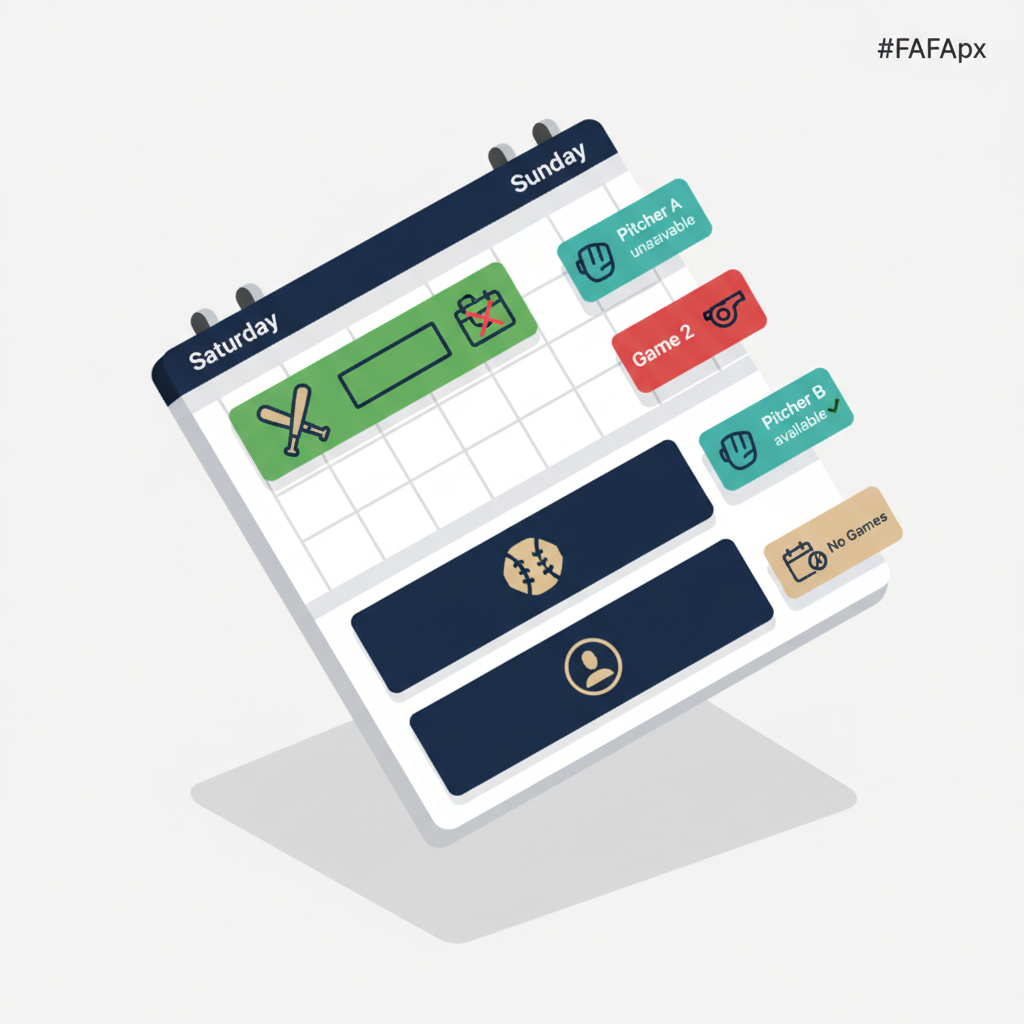
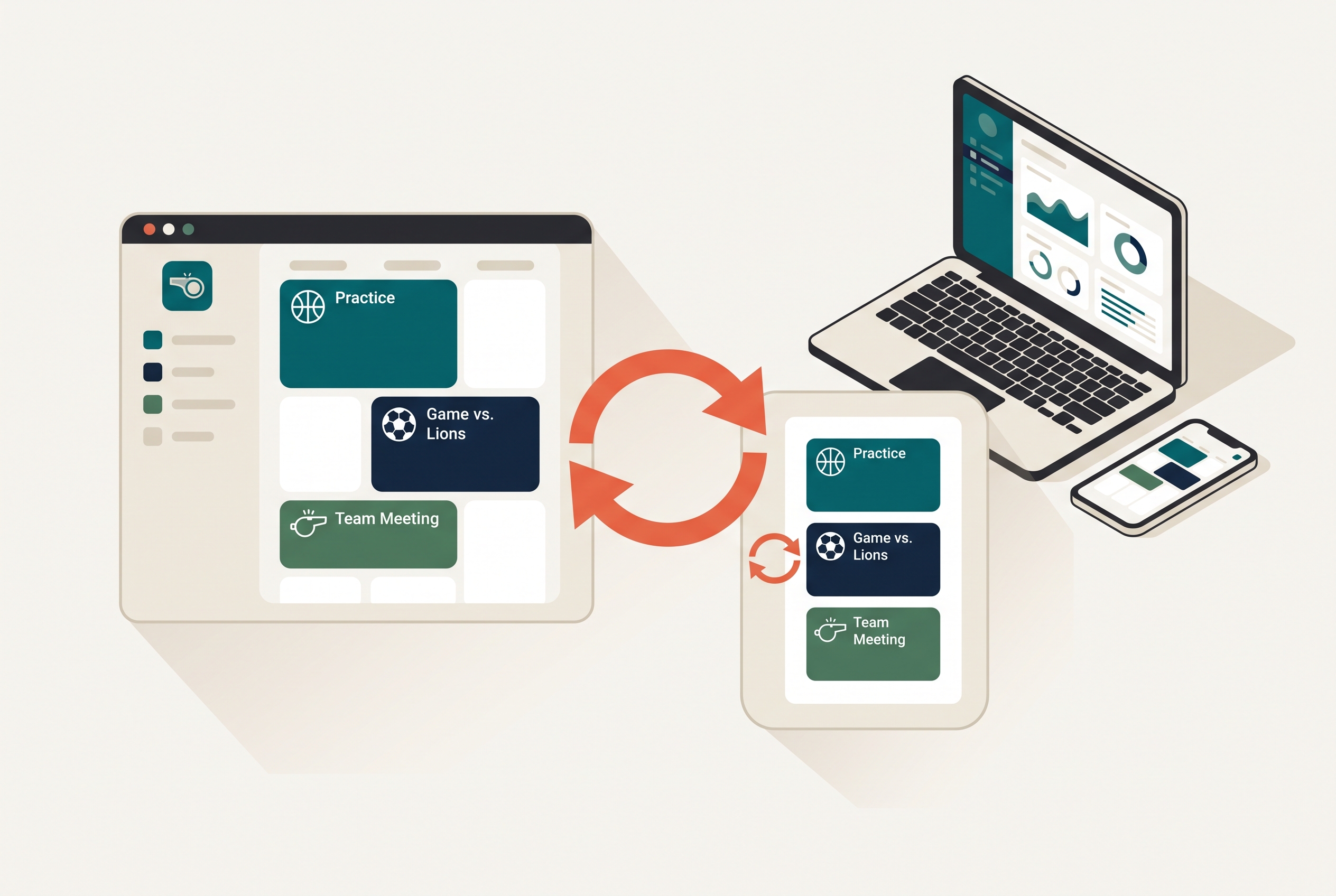
A team schedule that lives in one app is a schedule half the team forgets to check. The fix is to get your games and practices onto the calendar families already look at every day, Google Calendar on most phones, Apple Calendar on iPhones, and Outlook for the work crowd. Once your schedule is synced, a new game or a moved practice shows up right next to a parent's dentist appointment and their other kid's recital. If you are setting up a new team for a fall season, do this in the first week, before the first practice, so every family starts the year synced. It works the same for any sport. Here's how to do it.
The short version
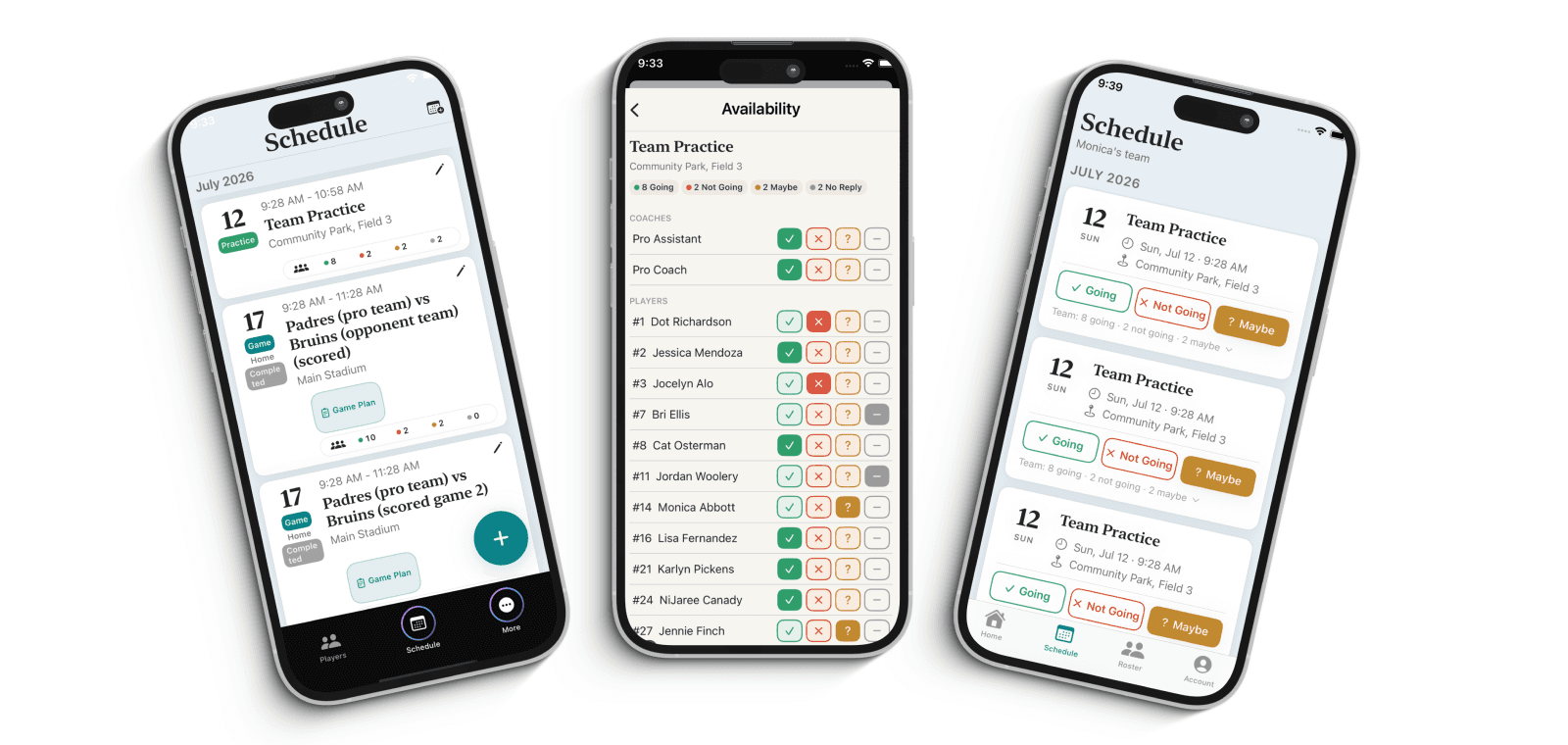
Syncing works through a calendar subscription. Your team app publishes a private calendar link, and each family adds that link once to their own calendar. From then on, anything you add or change on the team schedule flows into their personal calendar automatically. In Rizzler, this is Schedule Sync, and it's included on every plan, because a schedule nobody can see does no good. Publish your schedule once and it syncs out to Google Calendar, Apple Calendar, TeamSnap, SportsEngine, and more. For the full picture of how calendar sync, availability, and notifications work together, see the schedule and attendance overview.
Sync to Google Calendar
On a computer. Open Google Calendar, find "Other calendars" in the left sidebar, click the plus, and choose "From URL." Paste the calendar link your team app gives you and add it. The team's games and practices appear as their own calendar, which you can color-code and toggle on or off.
On an Android phone. Add the calendar link on the computer first using the steps above, then open the Google Calendar app on the phone and make sure the new team calendar is checked under your account's calendar list. Google syncs subscriptions through your account, so once it's added on the web it shows up on the phone.
Sync to Apple Calendar on an iPhone
On the iPhone, open Settings, go to Calendar, then Accounts, then Add Account, and choose "Other," then "Add Subscribed Calendar." Paste the team calendar link and save. The team schedule now appears in the iPhone's Calendar app alongside everything else. This is the cleanest route for iPhone families and doesn't require installing anything extra.
Sync to Outlook
In Outlook, go to your calendar view, choose to add a calendar, and select "Subscribe from web." Paste the team calendar link, give it a name, and save. This is handy for parents who run their lives out of a work calendar.
What to expect after you sync
A subscribed calendar is a one-way feed: the team schedule updates the family's calendar, not the other way around, which is exactly what you want so a parent can't accidentally change the team's game time. One thing worth telling families up front is that subscribed calendars refresh on their own schedule, so a change can take a little while to appear on a personal calendar. That lag is normal for calendar subscriptions across every app, not a Rizzler quirk.
That lag is also why the schedule shouldn't be your only way to reach people about changes. In Rizzler, availability updates in real time inside the app on Coach and Club, and schedule changes go out by email and text, so a last-minute move reaches the team right away while the calendar feed catches up in the background. Use the synced calendar for the season-long view and the app's alerts for the "practice is off tonight" moments.
If a synced schedule stops updating
If a family says events stopped appearing, the usual fix is to remove the subscription and add the calendar link again, which forces a fresh sync. Also confirm the team calendar is actually checked or visible in their calendar app, since a subscription that's toggled off looks exactly like one that stopped working. And make sure they added the current link, not an old one from a previous season.
Frequently Asked Questions
How do I sync my team schedule to Google Calendar?
Open Google Calendar on a computer, click the plus next to "Other calendars," choose "From URL," and paste the calendar link from your team app. In Rizzler, that link comes from Schedule Sync, which is included on every plan and also syncs to Apple Calendar and Outlook.
Can parents add the team schedule to their iPhone?
Yes. On the iPhone, go to Settings, Calendar, Accounts, Add Account, Other, and "Add Subscribed Calendar," then paste the team calendar link. The schedule then shows up in the iPhone Calendar app next to everything else.
Why does a schedule change take a while to show on my calendar?
Subscribed calendars refresh on their own cycle, so a change can lag before it appears on a personal calendar. That's normal for every calendar app. For time-sensitive changes, rely on the team app's real-time updates and email or text alerts rather than the calendar feed alone.
Is calendar sync free in Rizzler?
Yes. Schedule Sync is included on every plan, including the free plan. Real-time availability updates and email and text notifications are on the Coach and Club plans.
Want your whole season synced to every family's calendar automatically?
Managing schedules for a club or league? Talk to our team.
Talk to our team
Want to spend more time coaching and less time with paperwork? Let's talk.
Tell us about your team and we'll show you how to plan games, set lineups, run the schedule, and develop players in one place, so you spend the season coaching instead of chasing admin.
Less admin, more coaching
Plan games, set lineups, and track the season in one place
Keep every family in the loop automatically
Tell us about your program
4 fields · takes 30 seconds
Lands in the same inbox as the Help button · human response only
Read Next
Softball Practice Plans: 8U, 12U, 14U, and High School Sessions
LearnHow to Coach Youth Soccer: A First-Season Guide
LearnLibero Rotation Rules: How the Libero Fits the Wheel
VolleyballTournament Planning for Youth Baseball: The Complete Guide
Blog8U Baseball Practice Plan: A Complete 60-Minute Coach-Pitch Practice
LearnTop Approaches to Building a Baseball Batting Order
Learn