
Features
AI-Powered Fielding Rotations
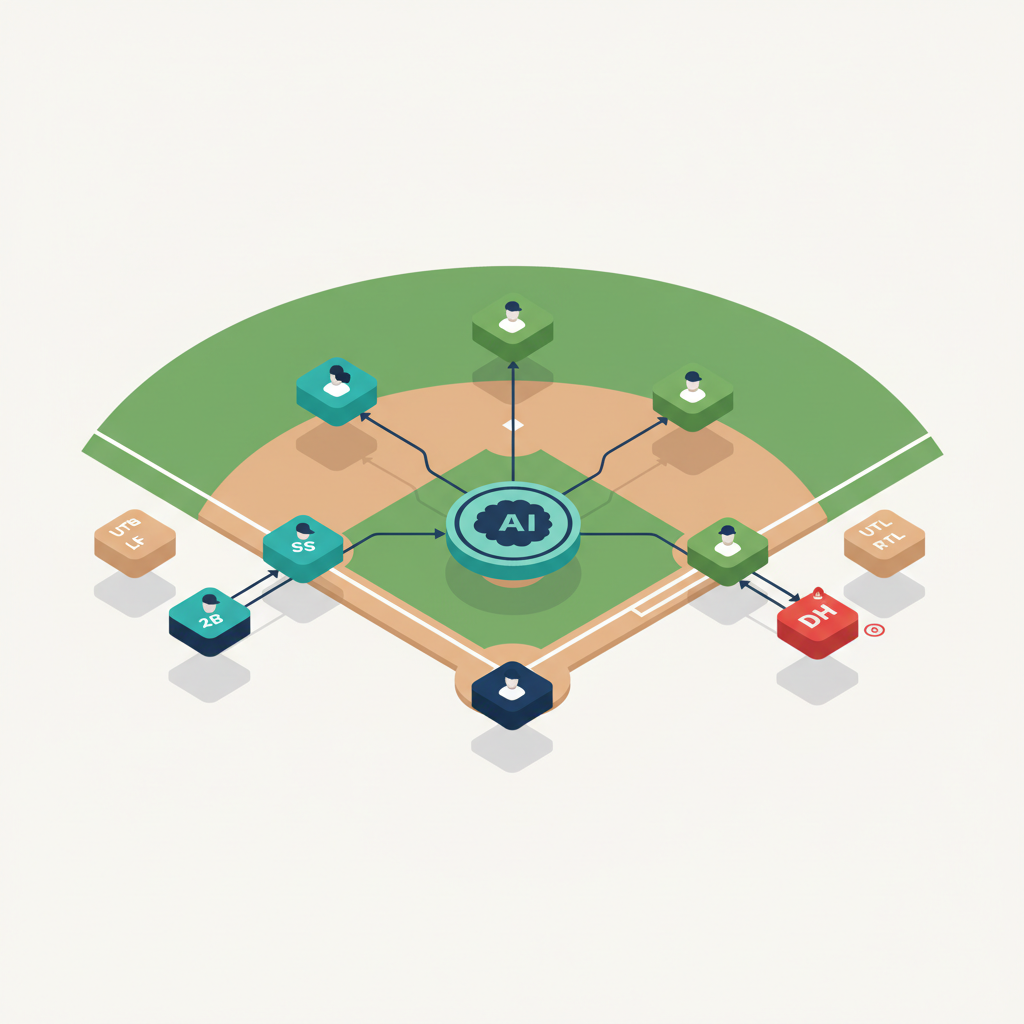
Rizzler's AI Fielding Positions generates a complete defensive rotation for every inning of your game, based on where each player can play, their ability at each position, playing time balance across the season, and your league's rules. Click once, get a full fielding rotation. Adjust anything you disagree with and save.
Why Fielding Rotations Are Harder Than Batting Orders
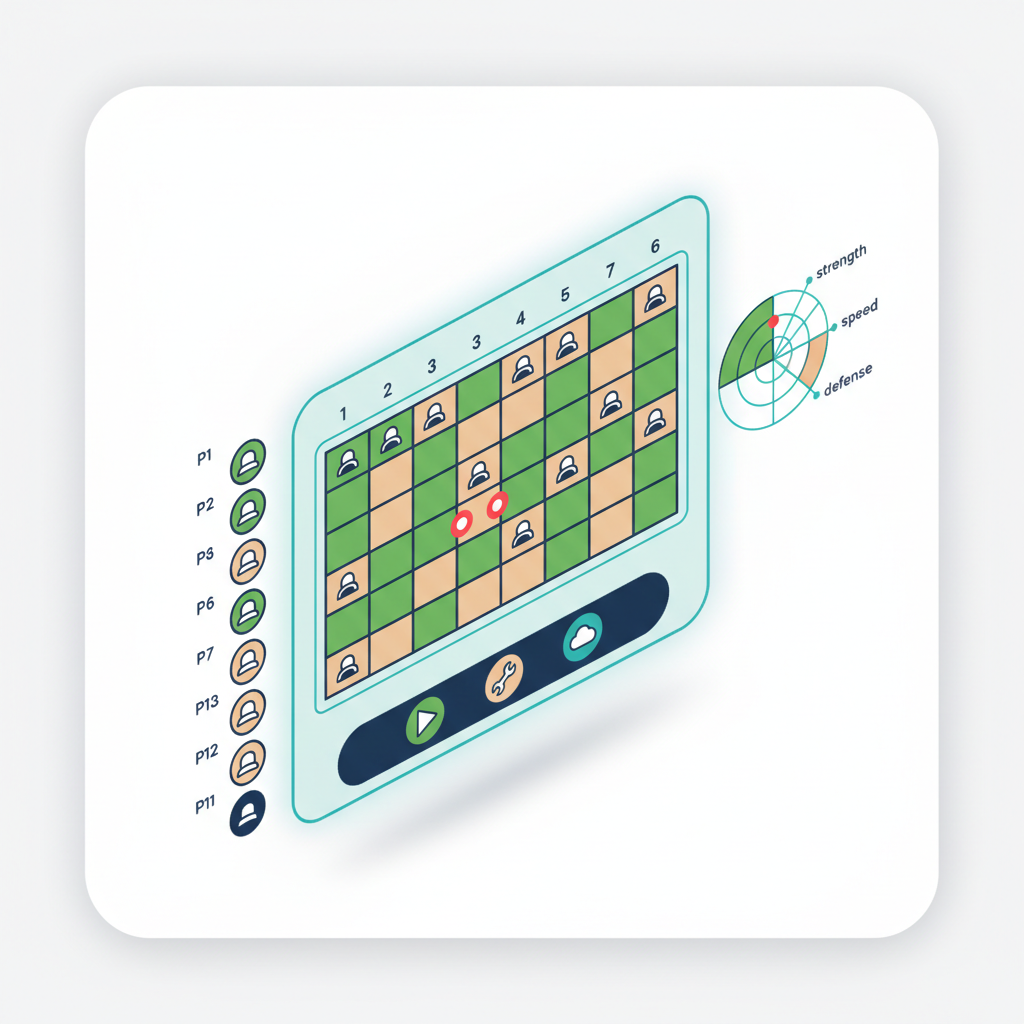
Batting orders are a list of 9 to 15 players in sequence. Fielding rotations are a matrix: 9 positions across 6 innings with 12 players, where every player needs adequate playing time, nobody plays a position they can't handle, and your best defenders are at key positions in critical innings.
That's 54 slots to fill, with constraints on every one. Doing it by hand takes most coaches 20-40 minutes. Getting it wrong means a kid sits for three straight innings, or your weakest fielder ends up at shortstop in a tie game, or you violate minimum play requirements and don't realize it until a parent points it out.
The AI does the math in seconds. It factors in things that are hard to track mentally: how many innings at each position across the season, which players need more time at certain spots for development, and which combinations put your strongest defense on the field when it matters.
What the AI Considers
Position capability. Each player has primary, secondary, and developmental positions. The AI puts players where they can actually play, not at catcher because it's the last slot open.
Playing time balance. Over a season, the AI distributes innings across positions fairly. If a kid has been stuck in right field for three straight games, the AI moves them around. Playing time tracking feeds this data.
League rules. Minimum play requirements, pitcher restrictions, catcher-to-pitcher rules: the AI respects all of them. Rule compliance →
Your overrides. Lock any player into any position in any inning before generating. The AI builds around your fixed decisions. Want your best pitcher at shortstop when he's not pitching? Lock it. Want your kid who's developing at catcher to get two innings there? Lock it.
Game context. In tournament mode, the AI considers cumulative workload. A player who caught four innings yesterday might get a different assignment today.
How It Works
- Set your roster with position preferences. For each player, mark which positions they can play (primary, secondary, developmental).
- Open game planning. Navigate to your next game.
- Lock any fixed assignments (optional). Pin specific players to specific positions in specific innings.
- Click "AI Fielding Positions." Rizzler generates a complete rotation across all innings.
- Review and adjust. Drag and drop to move anyone. Most coaches accept 85-90% and make a few tweaks.
- Save. The rotation is part of your complete game plan alongside the batting order and pitching assignments.

AI Fielding Positions vs. Manual Rotation
| AI Fielding (Coach) | Manual | |
|---|---|---|
| Time to create | ~10 seconds | 20-40 minutes |
| Considers playing time history | ✅ Across the full season | Only if you track it |
| Respects position capabilities | ✅ | Depends on your memory |
| Checks minimum play rules | ✅ | You have to count manually |
| Balances development + competition | ✅ | Difficult to do systematically |
| Adjustable after generation | ✅ Drag-and-drop | Already manual |
Pairing AI Fielding with AI Batting Order
The real power is using both. Click AI Batting Order to generate your lineup, then click AI Fielding Positions to generate your rotation. In under 30 seconds, you have a complete game plan, lineup and defense, built on data. Review it, make your tweaks, and you're done.
The two AI features are aware of each other. The batting order informs the fielding rotation (and vice versa) so the overall plan is coherent, not just two independent outputs stitched together.
Frequently Asked Questions
Is AI Fielding Positions available on the Free plan?
No. AI Fielding Positions requires the Coach plan or Club plan. On the Free plan, you build fielding rotations manually using drag-and-drop. Compare plans →
Can I use AI Fielding without AI Batting Order?
Yes. They're independent features. Generate just the fielding rotation, just the batting order, or both.
Does it handle continuous batting order with more than 9 players?
Yes. When your league uses continuous batting order with 12-15 players, the AI rotates all players through the 9 fielding positions across innings, ensuring everyone gets adequate playing time while keeping your best defenders in key spots.
What if a player gets hurt mid-game?
Remove them from the lineup in the iOS app and Rizzler recalculates the remaining fielding rotation automatically. You can also regenerate the AI rotation for the remaining innings.
Does it consider fatigue across a tournament?
On the Coach plan with tournament planning enabled, the AI considers cumulative playing time across games. A player who caught all five innings in game one won't be assigned to catch again in game two unless you override it.
AI Fielding Positions is one half of Rizzler's AI game planning suite; it works best alongside game planning and AI Batting Order.
Talk to our team
Want to spend more time coaching and less time with paperwork? Let's talk.
Tell us about your team and we'll show you how to plan games, set lineups, run the schedule, and develop players in one place, so you spend the season coaching instead of chasing admin.
Less admin, more coaching
Plan games, set lineups, and track the season in one place
Keep every family in the loop automatically
Tell us about your program
4 fields · takes 30 seconds
Lands in the same inbox as the Help button · human response only
Read Next
How to Run a Softball Tryout: A Coach's Step-by-Step Guide
LearnQuality At-Bat (QAB): Definition, Criteria & Youth Benchmarks
StatsThe Setter Position in Volleyball: Role, Skills, and Training
VolleyballSkills Assessment Form: Printable Template for Any Sport
ResourcesStrikeouts (K): Batting Stat Definition & Youth Context
StatsVolleyball Tryout Evaluation Form: What to Score (Free Template)
Learn