Blog
Your Game Plan, Right There in the Dugout
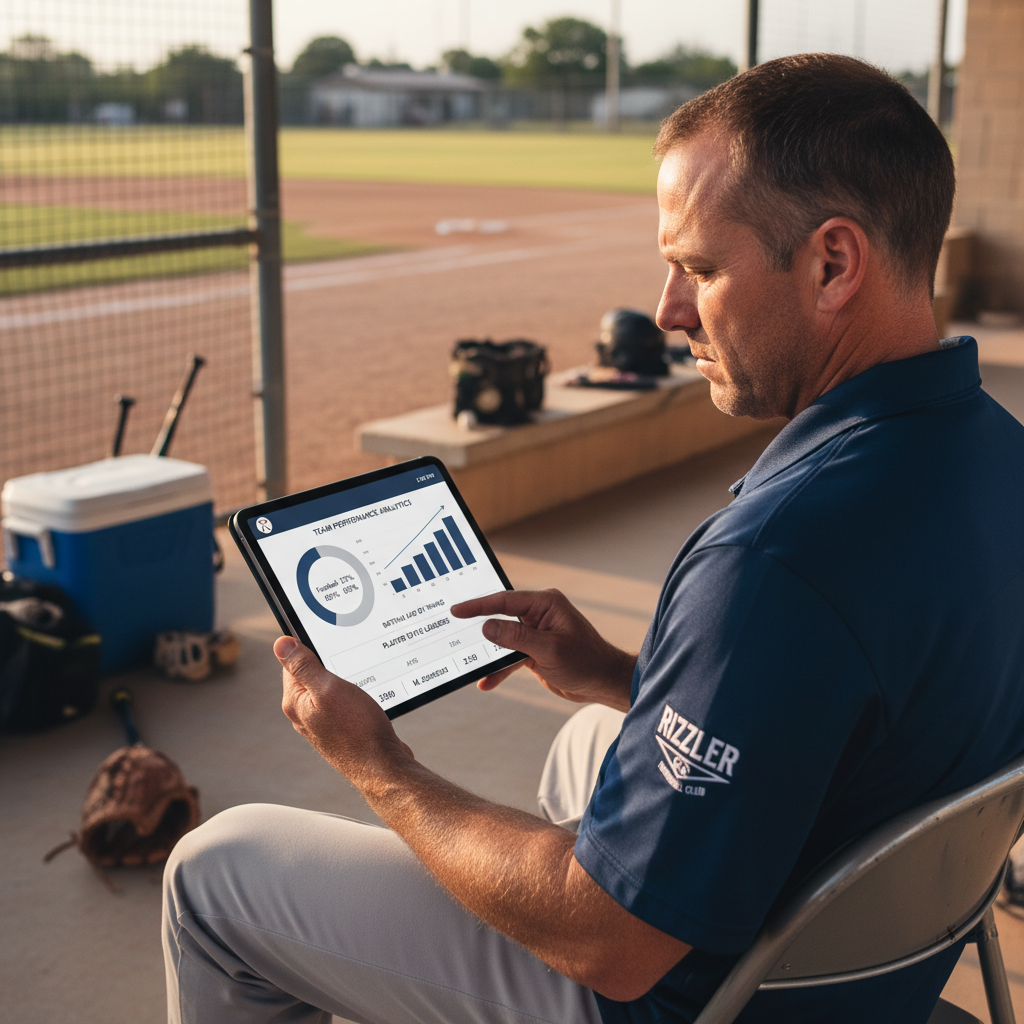
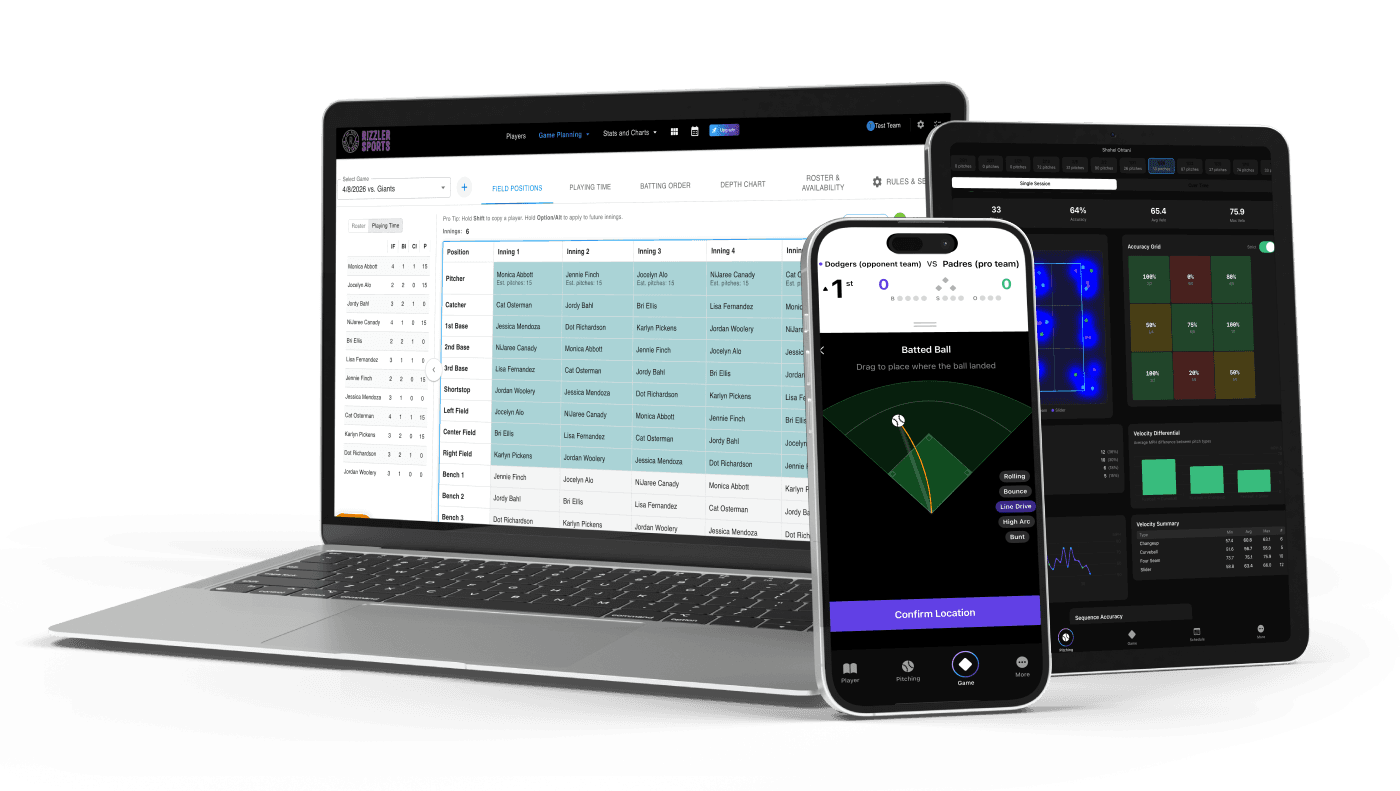
Rizzler's iOS coach app is built for game day. Plan on the web app at home, then pull up the plan on your iPhone or iPad at the field. Baseball and softball coaches get scoring, pitch and hit charting, and lineups; volleyball coaches get rotations, serve order, and playing time; and tryout and evaluation scoring work in hand for every sport. All from your phone while you're actually coaching. (The App Store listing still carries the legacy "Rizzler Baseball" name; the app is broader than baseball now.)
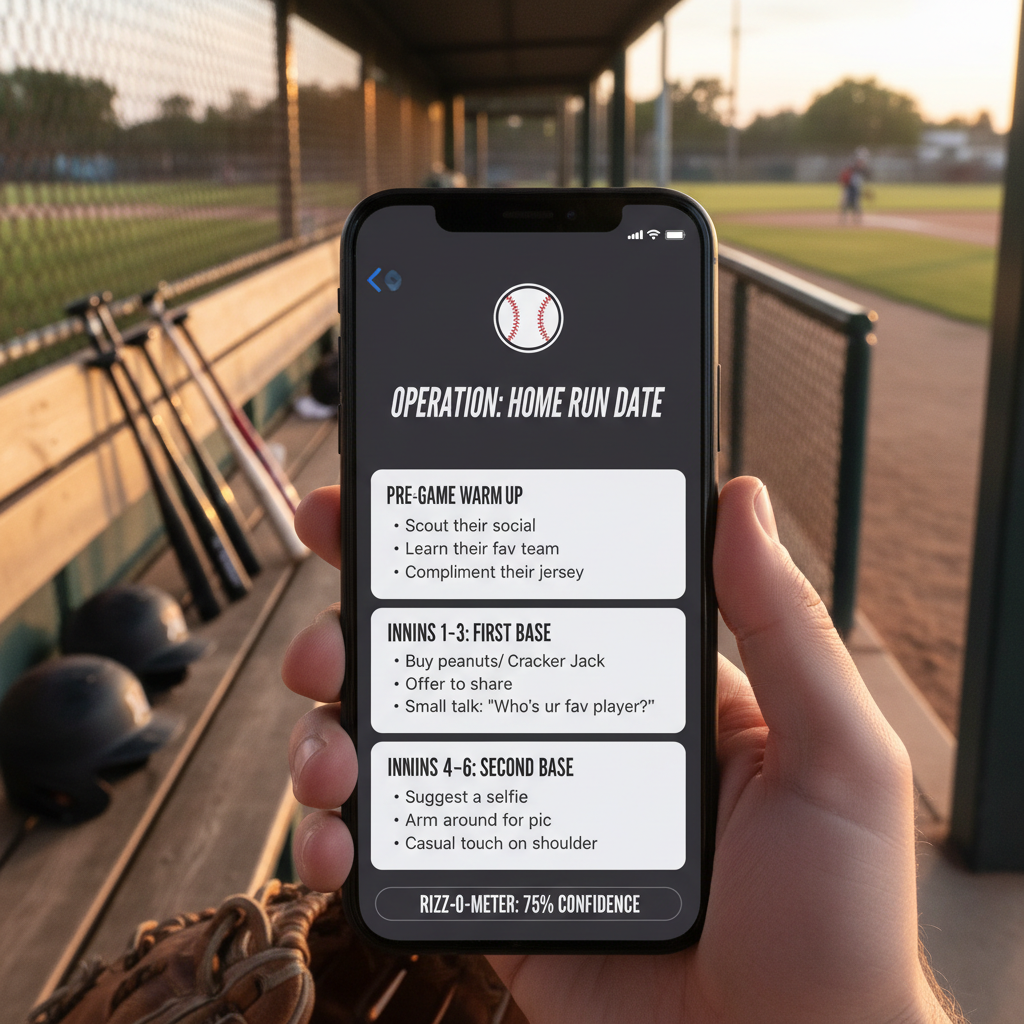
What You Can Do on the iOS App
The iOS app is built for game day. Everything is designed to work with one hand, in bright sunlight, while a kid is asking you if he can pitch next inning.
Execute your game plan. The plan you built on your laptop is already on your phone. Tap to see the current inning's lineup, fielding positions, and pitching assignments. Swipe to see what's coming next.
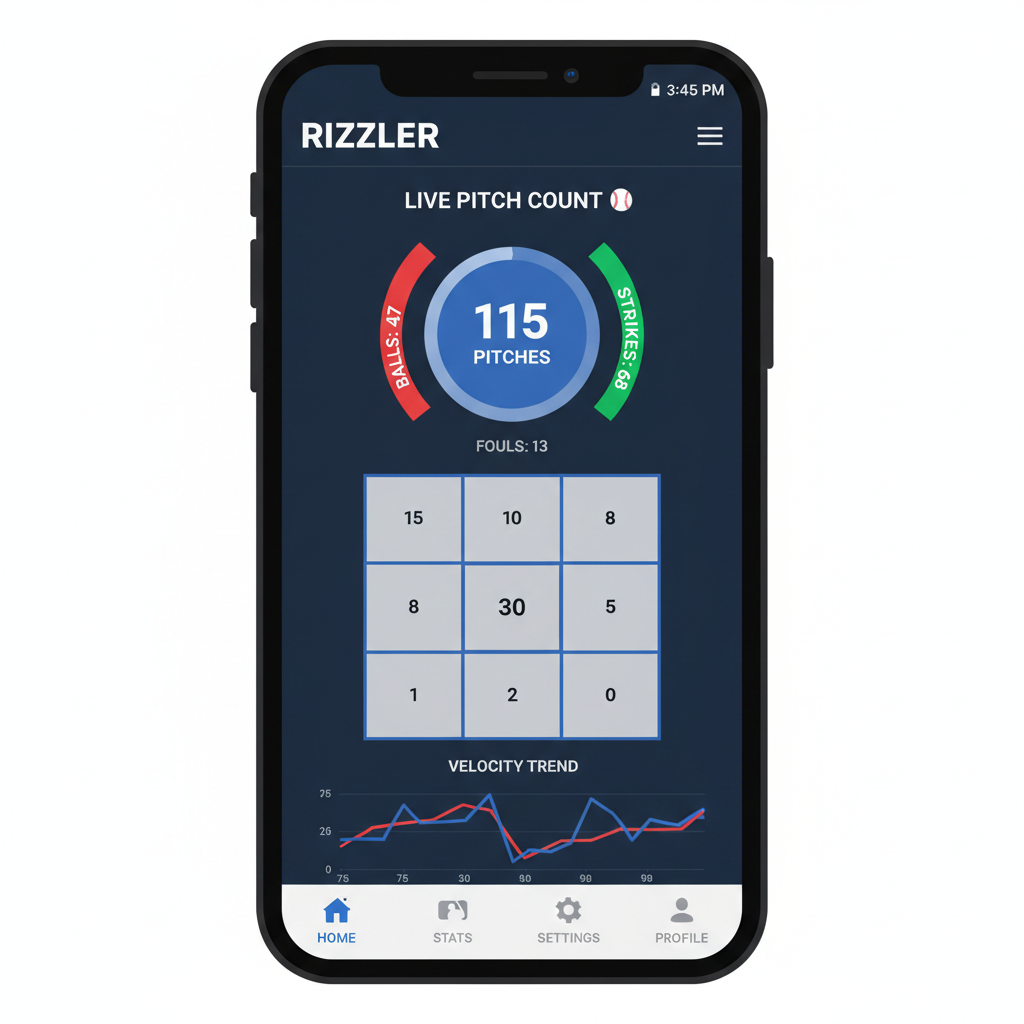
Count pitches in real time. Tap for each pitch, ball or strike. Rizzler tracks the count, calculates rest day impact, and alerts you when your pitcher is approaching their limit. No more mental math on top of everything else. More on pitch counting →
Chart pitch locations. Tap the zone where each pitch landed. After the game, you've got heatmaps showing where your pitcher lives and where they're getting hit. Use the data to plan bullpen work during the week.
Score the game. Record at-bats, hits, walks, strikeouts, errors, and runs. Your stats stay private; only your coaching staff sees them. No parents checking live scores and texting you about why their kid batted eighth. Learn more about game scoring →
Make real-time adjustments. Player got hurt? Kid showed up late? Swap a fielder in the current inning and Rizzler adjusts every remaining inning automatically. The plan adapts. You don't have to redo the whole thing on a napkin.
Share with your coaching staff. Your assistant coaches see the same game plan on their phones. When you make a change, they see it instantly. No more shouting across the dugout about who's playing where next inning.
Built for the Dugout
Most apps are built for a desk. Rizzler's iOS app is built for a dugout on a 95-degree Saturday afternoon.
Big tap targets. No tiny buttons. Everything is designed for tapping with a finger, not a stylus.
Bright-light visibility. High-contrast interface that works in direct sunlight. You shouldn't have to cup your hand around your phone to see the lineup.
One-hand operation. Count pitches, chart locations, and score at-bats with one hand. Your other hand is holding a fungo or signaling to your third-base coach.
Offline capability. Fields don't always have cell service. Your game plan loads before the game and works without connectivity. Data syncs when you're back online.
iPhone and iPad. The app works on both. Some coaches prefer the phone in their pocket. Others mount an iPad on the dugout fence. Both are fully supported.
Web App + iOS App: The Workflow
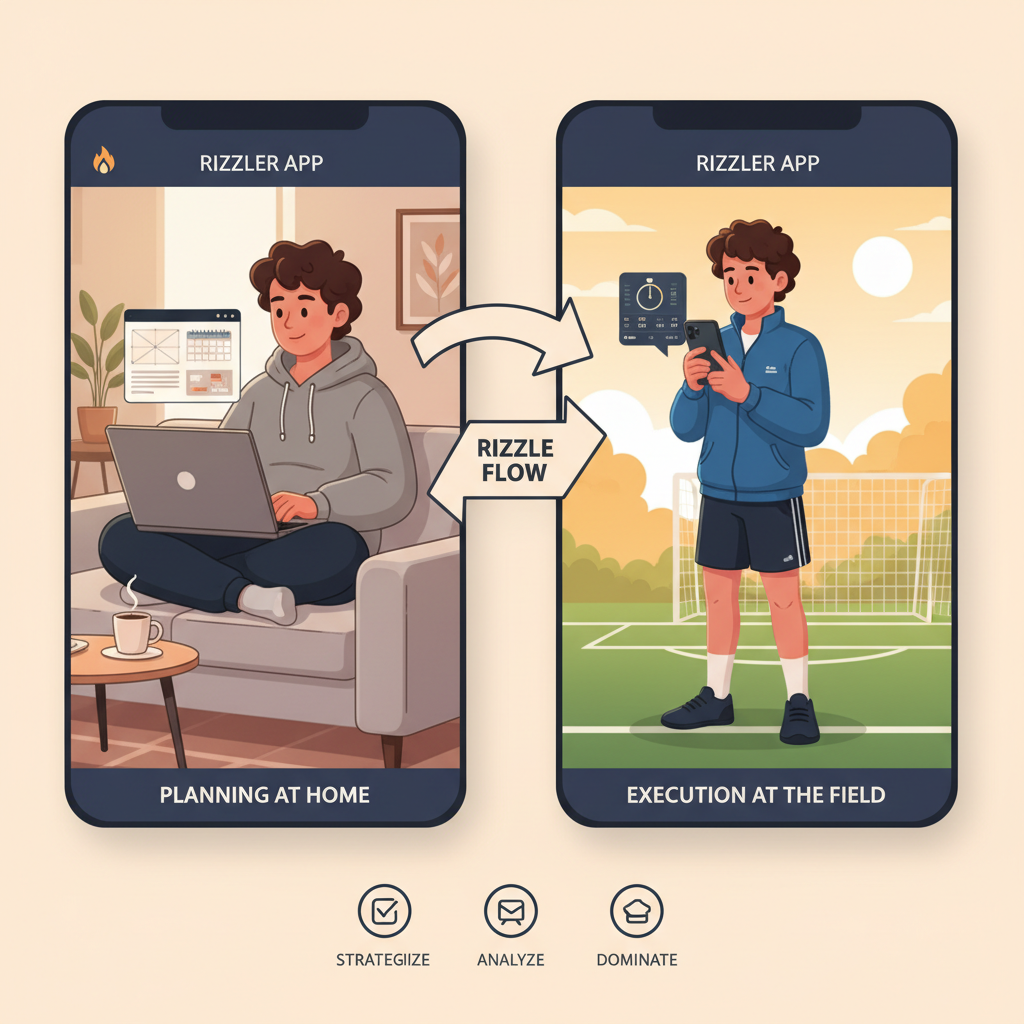
The two apps are designed to be used together. Most coaches follow this pattern:
Night before the game: Open the web app on your laptop. Build your game plan: batting order, fielding rotation, pitching assignments. Use AI Batting Order or AI Fielding Positions if you're on the Coach plan. Save it.
At the field: Open the iOS app. Your game plan is there. Share it with your coaches.
During the game: Execute from the iOS app. Count pitches, chart locations, score at-bats, make adjustments. Everything syncs to the web app in real time.
After the game: Check stats and pitch data on either app. Use them to plan the next game. Over the season, the data builds into trends you can use for player evaluations and lineup decisions.
You don't need both. The web app works on mobile browsers and the iOS app works for planning. But the combination is how coaches get the most out of Rizzler.
The Parent App and the Player App
The coach app is one of three apps in the Rizzler family, one for each person in your program:
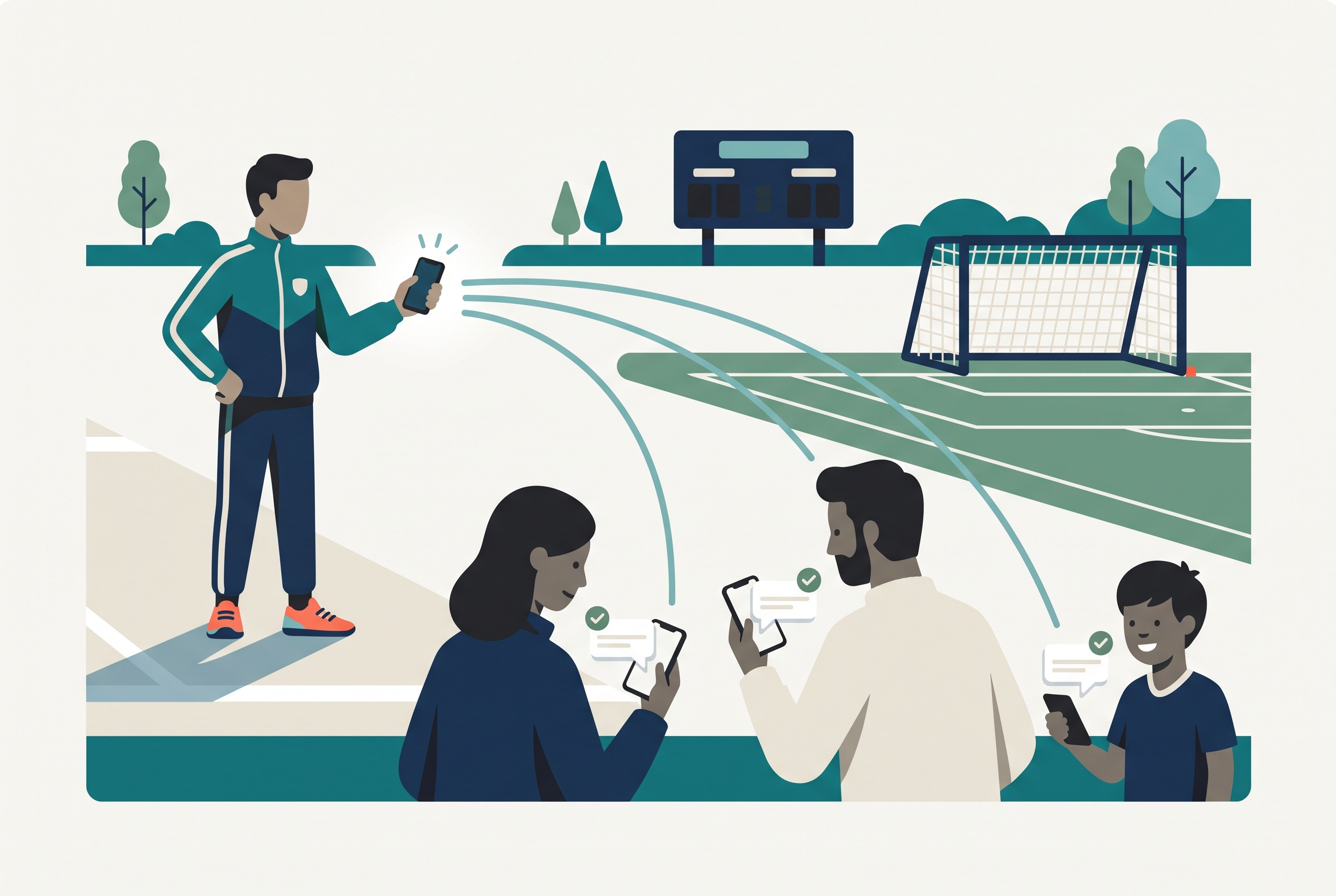
Parents use the Parent App (or the web) to see the schedule, mark whether their player is coming to each game and practice, and open the skill reports you share. Availability and RSVP is live on every plan, including Free.
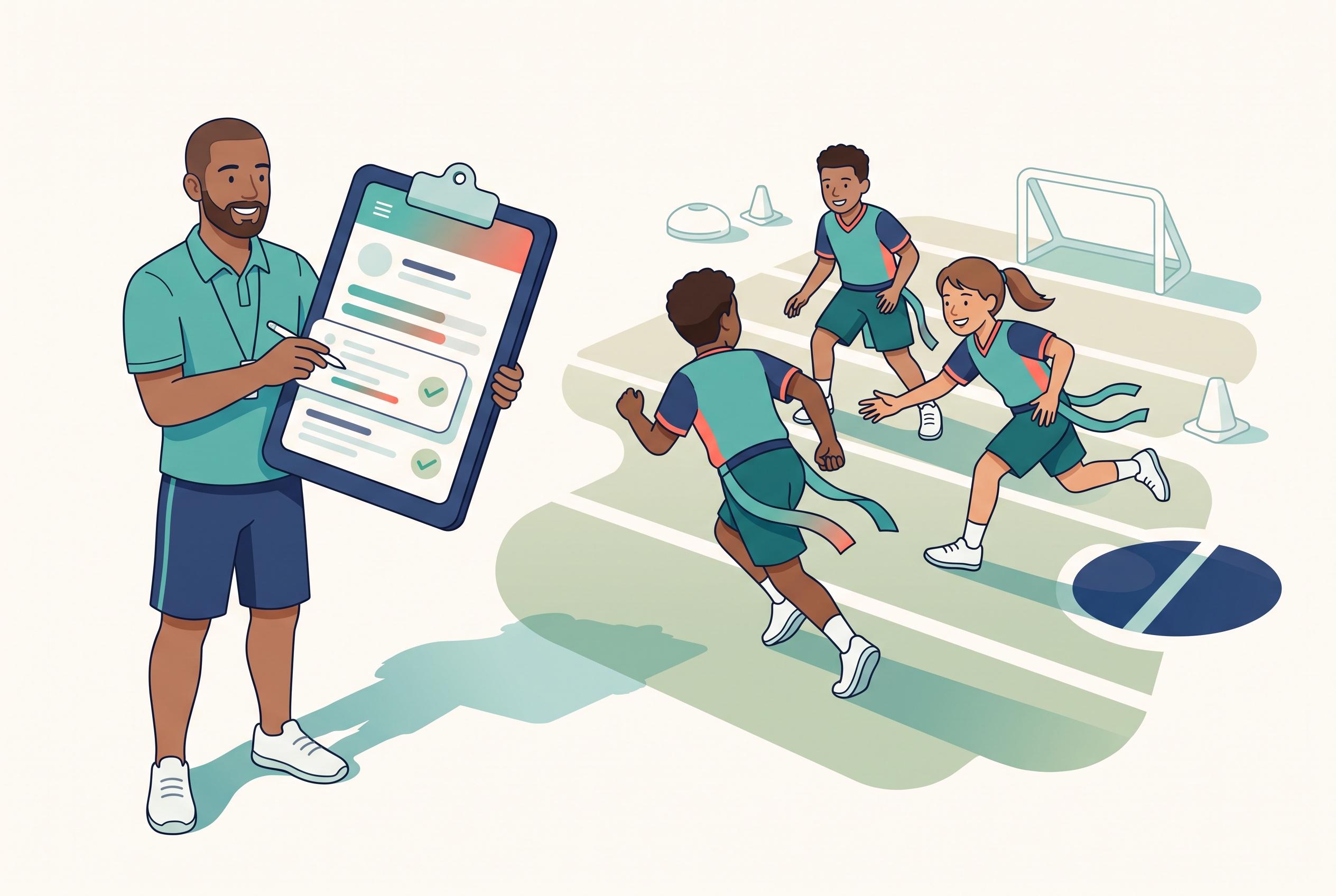
Players get Rizzler Reps, the player app where athletes log the drills you assign between practices and all offseason, keep streaks alive, climb team leaderboards, and handle their own RSVPs. Drill libraries are live for baseball, softball, volleyball, flag football, and American football, with more sports coming.
What's Available on Each Plan
Everything on the iOS app matches your subscription plan:
| Feature | Free | Coach | Club |
|---|---|---|---|
| View & execute game plans | ✅ | ✅ | ✅ |
| Pitch counting & rest day alerts | ✅ | ✅ | ✅ |
| Per-game pitch charting & heatmaps | ✅ | ✅ | ✅ |
| Basic in-game scoring | ✅ | ✅ | ✅ |
| Real-time lineup adjustments | ✅ | ✅ | ✅ |
| Availability & RSVP | ✅ | ✅ | ✅ |
| Pitch-by-pitch scoring with pitch location | ✗ | ✅ | ✅ |
| AI Batting Order | ✗ | ✅ | ✅ |
| AI Fielding Positions | ✗ | ✅ | ✅ |
| Bullpen sessions | ✗ | ✅ | ✅ |
| In-Game Intel & insights | ✗ | ✗ | ✅ |
Tournament planning, player evaluations, and tryout scoring are web app features; the plans and results they produce sync to your phone. Compare all plans →
Download Rizzler
The iOS app is available for iPhone and iPad on the App Store.
The web app works on any device with a browser, including Android phones, Chromebooks, and Windows laptops. Learn more about the web app →
Frequently Asked Questions
Is the iOS app free?
Yes. Download the app and sign up for the Free plan. Game planning, pitch counting, basic scoring, availability tracking, and roster management are all included. The Coach plan adds AI features and pitch-location scoring. What's in each plan →
Does Rizzler work on Android?
Rizzler's web app works great on Android browsers. A native Android app is not yet available, but the web app is fully functional on any Android device. More →
Can I plan games on the iOS app or do I need the web app?
You can plan games on either. The web app's larger screen is better for building complex game plans, especially with big rosters or tournament weekends. The iOS app is optimized for game-day execution. Most coaches plan on the web app and execute on iOS.
Do my assistant coaches need to download the app?
They don't need to, but it helps. When your assistants have the iOS app, they can see the game plan, help count pitches, and score at-bats from their own phones. The Free plan supports 2 coaches per team.
Does the iOS app work without internet?
Yes. Your game plan loads before the game and works offline. Pitch counting, scoring, and lineup adjustments all work without connectivity. Data syncs automatically when you reconnect.
Plan on the web, coach from your pocket. The Free plan covers a full team, and the upgrade is there when you outgrow it.
Talk to our team
Want to spend more time coaching and less time with paperwork? Let's talk.
Tell us about your team and we'll show you how to plan games, set lineups, run the schedule, and develop players in one place, so you spend the season coaching instead of chasing admin.
Less admin, more coaching
Plan games, set lineups, and track the season in one place
Keep every family in the loop automatically
Tell us about your program
4 fields · takes 30 seconds
Lands in the same inbox as the Help button · human response only
Read Next
Best Apps for Travel Baseball Coaches in 2026
LearnSports Team Communication App: RSVP, Alerts, and Reports
FeaturesFlag Football Tryout Evaluation Form: What to Score (Free Template)
LearnHow to Run a Tennis Tryout: A Coach's Step-by-Step Guide
LearnIs My Team's Data Secure in Rizzler?
FAQHow to Run a Football Tryout: A Coach's Step-by-Step Guide
Learn