
FAQ
Does Rizzler Work on Android?
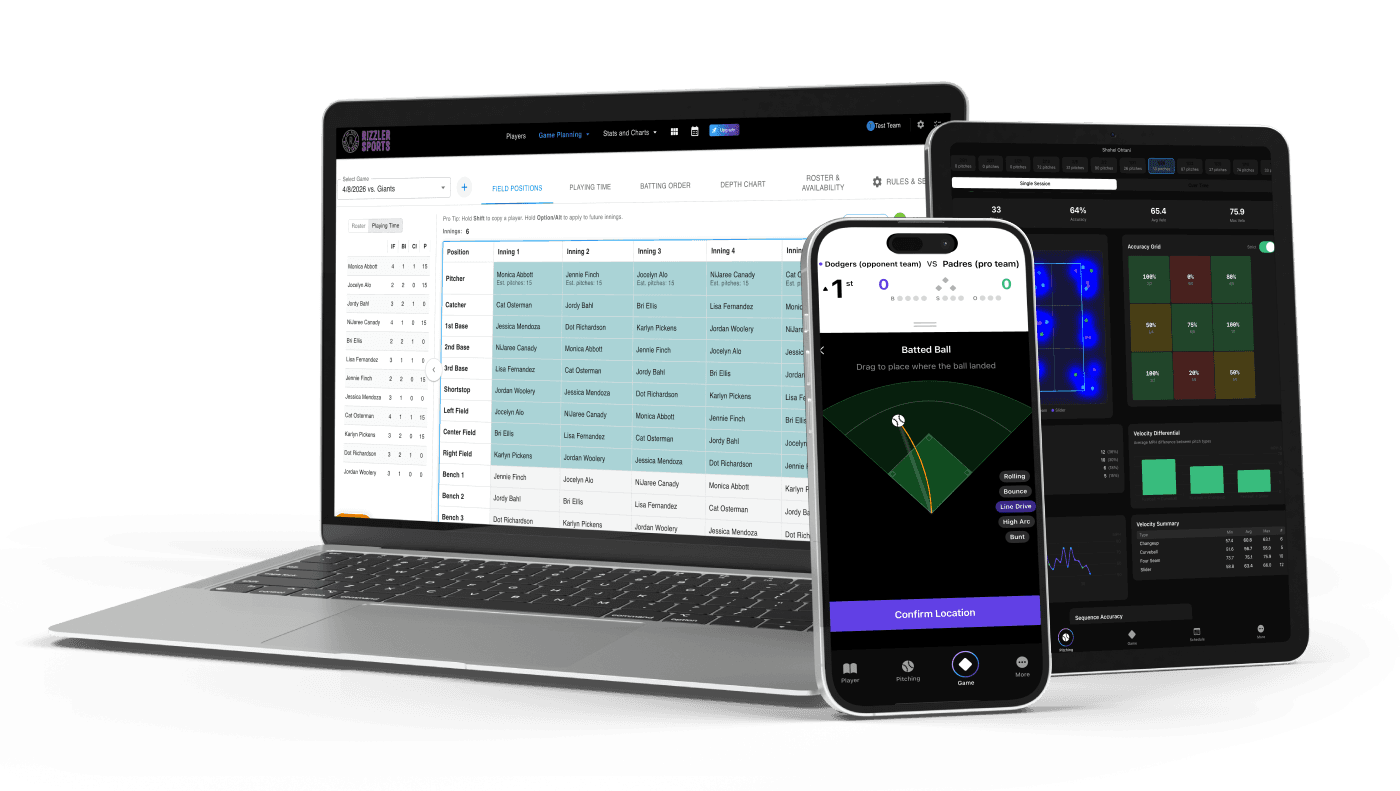
Rizzler works on Android through the mobile-optimized web app. Open your phone's browser (Chrome, Firefox, Samsung Internet) and go to rizzlersports.com. You can plan games, build lineups, count pitches, score games, and track playing time from your Android phone or tablet.
There is no native Android app in the Google Play Store. Today, Android users use the mobile web app. The iOS app is available for iPhones and iPads.
How to Use Rizzler on Android
- Open Chrome on your Android phone
- Go to rizzlersports.com
- Sign up or log in
- Add to home screen (optional but recommended): Tap the three-dot menu → "Add to Home Screen." This creates an app-like icon that opens Rizzler directly.
The web app covers most of Rizzler on Android: game planning, pitch counting, scoring, playing time tracking, AI lineups, and tournament planning. Two features are iOS-only: scoring with pitch location and bullpen charting. Some tools, like tournament planning and printable lineup cards, are web-only, so they work on Android but not on iPhone.
Frequently Asked Questions
Is the web app on Android different from the iOS app?
Same account, same data. Most features are shared, but scoring with pitch location and bullpen charting are iOS-only, while web-only tools like tournament planning work fine on Android. The web app handles game-day coaching on Android.
Can my assistant coach use Android while I use iPhone?
Yes. The data syncs between all devices regardless of platform. Your iPhone iOS app and their Android web app see the same game plan.
Will there be a native Android app?
Today, Android users use the mobile web app. If a native Android app ships, we'll announce it.
Ready to run your team from any device in your pocket?
Talk to our team
Want to spend more time coaching and less time with paperwork? Let's talk.
Tell us about your team and we'll show you how to plan games, set lineups, run the schedule, and develop players in one place, so you spend the season coaching instead of chasing admin.
Less admin, more coaching
Plan games, set lineups, and track the season in one place
Keep every family in the loop automatically
Tell us about your program
4 fields · takes 30 seconds
Lands in the same inbox as the Help button · human response only
Read Next
On-Base Percentage (OBP): Definition, Formula & Youth Benchmarks
StatsLittle League Rest Day Requirements: Pitch Count Rest Rules
Rules14U Softball Practice Plan: 14U, 16U, 18U, and High School Practices
LearnIs Rizzler Free? Yes, Here's What's Included
FAQBest Free Baseball Lineup Generators in 2026
LearnRizzler Web App: Game Planning, Lineups & Team Management
Blog