Features
Track Every Pitch. Protect Every Arm.
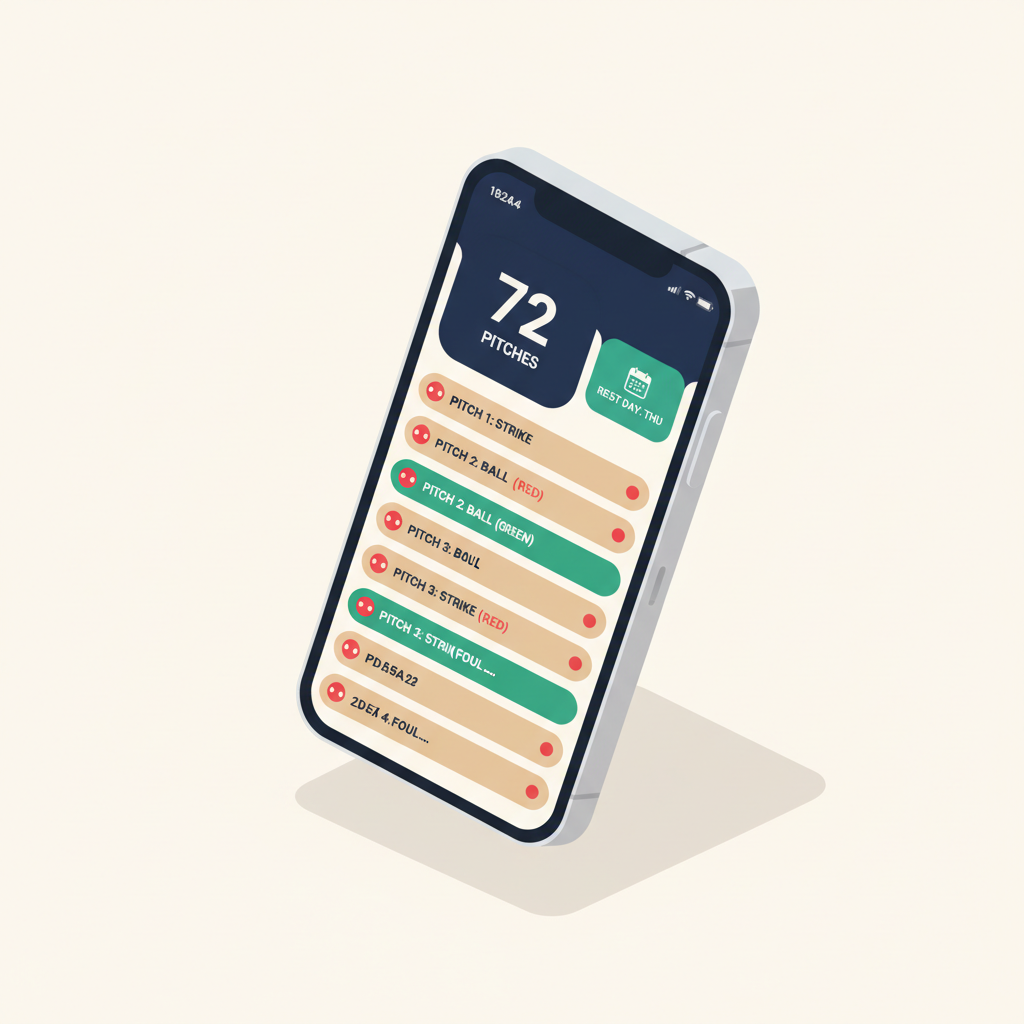
Rizzler counts pitches in real time during games, calculates rest day requirements automatically based on your league's rules, alerts you before a pitcher hits their limit, and charts pitch locations for post-game heatmaps. It runs on your phone in the dugout and takes one tap per pitch. No clicker. No mental math. No forgetting the count when the third baseman's mom asks you a question.
How Pitch Counting Works
Open the iOS app during the game and navigate to your pitcher. For each pitch, tap one button: ball or strike. That's it.
Rizzler does everything else:
Live count. The current pitch count is displayed prominently, visible at a glance from across the dugout.
Rest day projection. As pitches accumulate, Rizzler shows the rest day impact in real time. "If you pull him now: 1 rest day. If he finishes this inning (~8 more pitches): 2 rest days." You see the tradeoff before making the decision.
Limit alerts. When your pitcher approaches their league's daily maximum, Rizzler sends an alert. For an 11-12 year old in Little League, that means a warning at 75 pitches (10 before the 85-pitch limit). You'll never accidentally exceed the limit.
Catcher-to-pitcher tracking. Rizzler tracks catching innings alongside pitch counts. If your catcher has caught four or more innings, the app flags them as ineligible to pitch, preventing one of the most common rule violations in youth baseball.
Pitch-by-pitch log. Every pitch is recorded with its count (ball/strike). After the game, you can see the full sequence, which is useful for identifying patterns like "he started every inning with two balls" or "he threw 90% strikes in the first three innings and 50% in the fourth."
Pitch Charting & Heatmaps
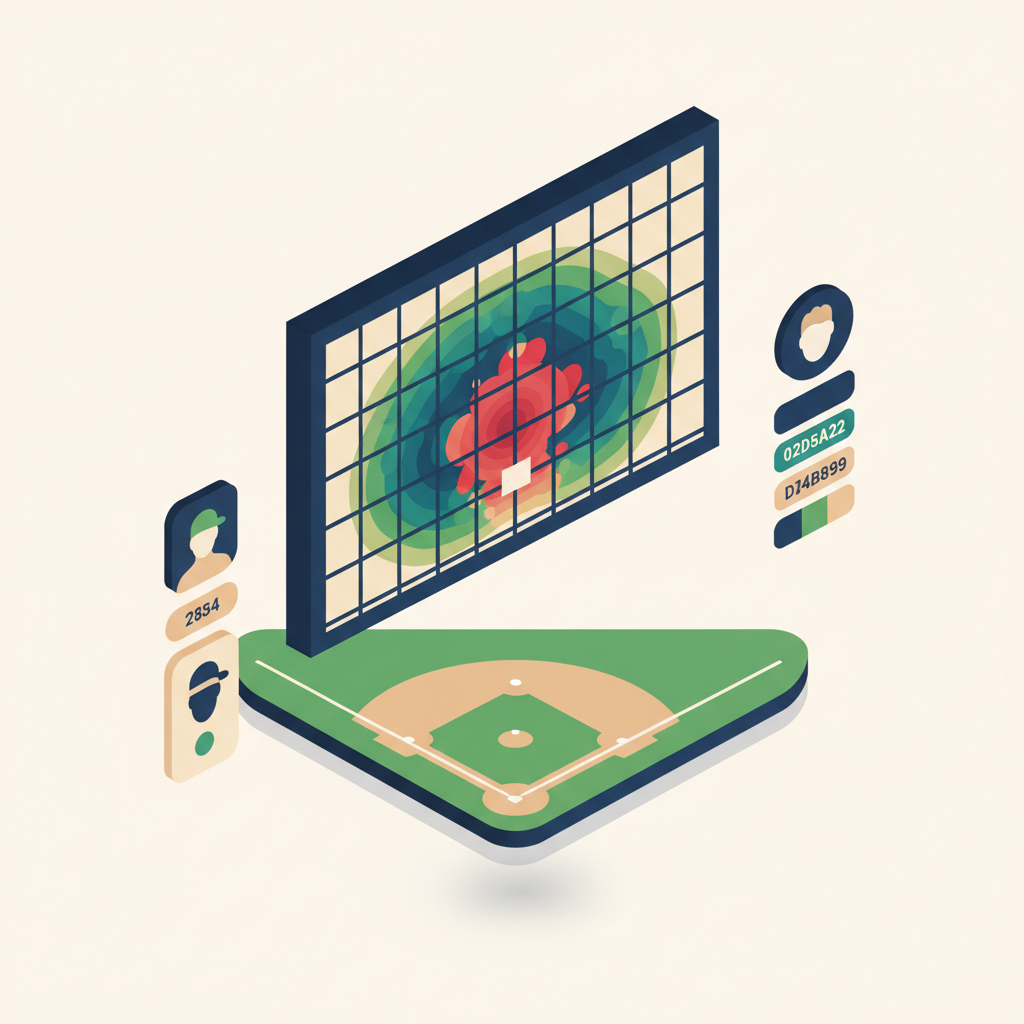
Pitch charting takes counting one step further. Instead of just ball/strike, you tap the strike zone location where each pitch landed. After the game, Rizzler generates a heatmap showing your pitcher's tendencies.
What heatmaps show you:
- Where your pitcher lives (low and away? Up in the zone?)
- Where they get hit (middle-middle? Belt high?)
- How location changes as the pitch count climbs (they start down in the zone and drift up when tired)
- Differences between bullpen sessions and game performance
Pitch charting is optional; you can count pitches without charting locations. But the heatmap data is valuable for practice planning and for conversations with your pitcher about where to work.
Rest Day Automation
Different leagues have different rest day rules. Rizzler knows them all.
When you set your team's governing body (Little League, USSSA, Perfect Game, or custom), Rizzler loads the correct pitch count limits and rest day thresholds. After every game, the app calculates the earliest date each pitcher is eligible to pitch again.
In the game planning view, pitchers with rest day restrictions are flagged. You can't accidentally assign a pitcher who isn't eligible; the app blocks it.
In tournament planning mode, rest day calculations cascade across multiple games. Throw 55 pitches on Saturday morning? Rizzler shows the impact on Saturday afternoon, Sunday morning, and beyond.
Key Capabilities
| Capability | What It Does |
|---|---|
| Live pitch counting | One-tap counting on your phone during games |
| Rest day auto-calculation | Instant rest day projection based on your league's rules |
| Limit alerts | Warning before your pitcher hits their daily maximum |
| Catcher-to-pitcher tracking | Flags catching-to-pitching conflicts before they happen |
| Pitch charting | Tap the zone location for each pitch |
| Heatmaps | Visual pitch location maps after each game |
| Bullpen tracking (Coach and Club) | Log bullpen sessions with pitch counts and locations on the iOS app |
| Strike percentage | Automatic calculation of strikes vs. balls |
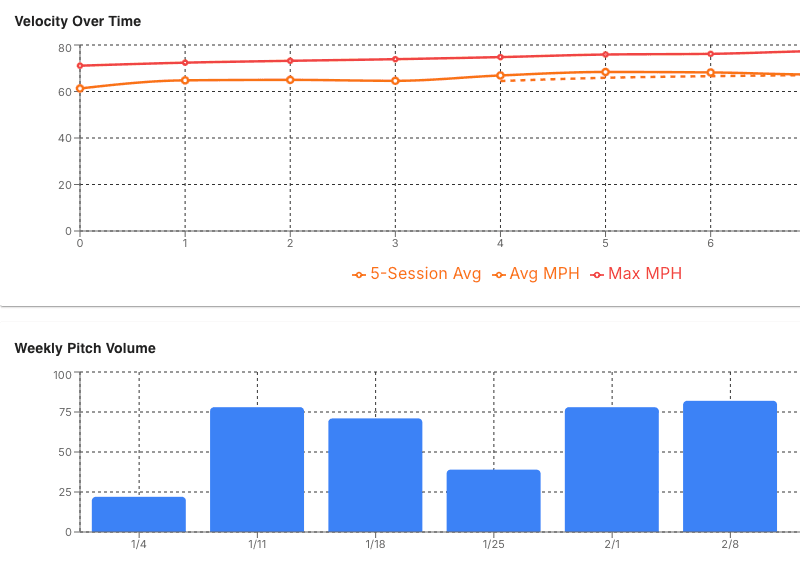
| Historical data | See pitch count trends across the season |
| Tournament integration | Pitch counts feed into the tournament planner |
Free Plan vs. Coach
Per-game pitch counting, pitch charting, and heatmaps are included on every plan, Free included. What the Coach plan adds is pitch location captured as part of full in-game scoring on the iOS app (every pitch tied to its at-bat, with stats syncing to the web app), bullpen tracking, the tournament planning integration where pitch counts cascade across multiple games, and AI stats analysis that flags pitching trends automatically.
Frequently Asked Questions
Which leagues are supported for pitch count rules?
Rizzler supports Little League, USSSA, Perfect Game, Babe Ruth/Cal Ripken, and custom rules. Set your team's governing body and the correct limits load automatically. More about pitch counts →
Can my assistant coach count pitches on their phone?
Yes. Any coach invited to your team can open the iOS app and count pitches during the game. The count syncs across all coaches' devices in real time.
What if I lose count mid-game?
You can adjust the pitch count manually at any time. If you missed a few pitches, add them to the count. Rizzler recalculates rest days based on the updated number.
Does it track warm-up pitches?
Warm-up pitches on the mound between innings are not counted toward pitch count limits in any league. Rizzler only counts pitches delivered to batters during live play. You can optionally log warm-up data separately.
Can I see pitch count history for a player across the season?
Yes. Each player's profile shows their pitch count history game by game, along with rest day compliance and strike percentage trends. This data also feeds the AI Batting Order when it assesses pitcher availability.
Pitch counting is one of Rizzler's core capabilities, and it pairs with rule compliance checking on every plan. Count pitches at your next game free.
Need pitch count oversight across a whole league or club? Talk to our team.
Talk to our team
Want to spend more time coaching and less time with paperwork? Let's talk.
Tell us about your team and we'll show you how to plan games, set lineups, run the schedule, and develop players in one place, so you spend the season coaching instead of chasing admin.
Less admin, more coaching
Plan games, set lineups, and track the season in one place
Keep every family in the loop automatically
Tell us about your program
4 fields · takes 30 seconds
Lands in the same inbox as the Help button · human response only
Read Next
Best Baseball Tryout Management Tools in 2026
LearnDoes Rizzler Work on Android?
FAQWhat is Playing Time Tracking in Youth Baseball?
LearnBest Baseball Tournament Planning Tools in 2026
LearnAverage Baseball Stats by Age: Youth Benchmarks for Coaches
StatsLittle League Substitution Rules: Re-Entry, Free Subs & More
Rules