
FAQ
What Rules Does Rizzler Check Automatically?
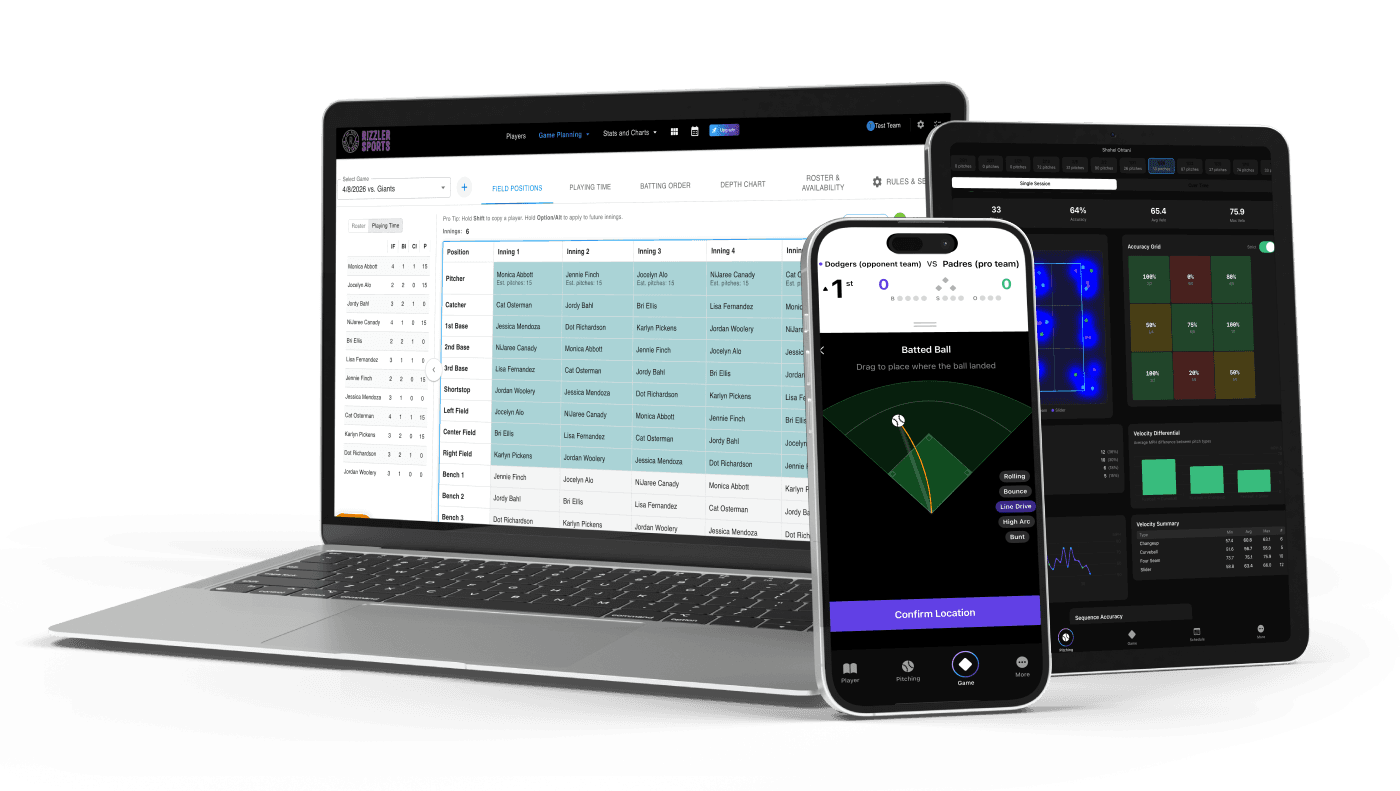
Rizzler's rule compliance engine automatically monitors pitch count limits, rest day requirements, the catcher-to-pitcher rule, and minimum play requirements during games and across your schedule. When a rule is about to be violated (or already has been), Rizzler alerts you before the mistake costs you a game.
Rules Rizzler Checks
| Rule | What Rizzler Does | When It Alerts You |
|---|---|---|
| Pitch count limits | Tracks every pitch during in-game scoring | When a pitcher approaches or hits the daily limit |
| Rest day requirements | Calculates rest days from pitch count data | Before a game, if a pitcher isn't eligible yet |
| Catcher-to-pitcher rule | Tracks catcher innings alongside pitching data | When you try to assign a catcher to pitch after 4+ innings |
| Minimum play | Tracks batting and fielding appearances per player | Mid-game, if a player hasn't met the minimum by a critical inning |
| Playing time tracking | Logs every inning each player is in the game | Season-long; flags uneven playing time distribution |
Which League Rules Are Built In?
Rizzler ships with built-in rule sets for Little League International, USSSA, and Perfect Game. Little League, the most common and most strictly enforced youth baseball rulebook, is the default and covers:
- Daily pitch count limits by age (50-95 pitches)
- Rest day calculations (0-4 calendar days)
- Catcher-to-pitcher restrictions (4-inning and 41-pitch thresholds)
- Minimum play requirements (1 AB + 6 defensive outs)
Can I Set Custom Rules?
Yes. If your league uses Babe Ruth/Cal Ripken or local modified rules, you can set custom pitch count limits, rest day tables, and playing time minimums in Rizzler. The compliance engine enforces whatever rules you configure. (USSSA and Perfect Game don't need custom setup; their rule sets are built in.)
How Do Alerts Work?
Rizzler alerts you in two places:
During games: While scoring, you'll see a warning when a pitcher is 5 pitches from the daily limit, when a player hasn't met minimum play requirements, or when a catcher-to-pitcher conflict would occur.
Before games: On your game planning screen, Rizzler shows which pitchers are eligible based on rest day calculations from previous games. Ineligible pitchers are grayed out so you can't accidentally assign them.
Frequently Asked Questions
Does Rizzler prevent me from breaking a rule, or just warn me?
Rizzler warns you. It flags the conflict and explains the rule. You can override the warning; the final decision is always yours. But the warning is logged, so you have documentation if a question arises later.
What if my league has rules Rizzler doesn't know about?
Set custom rules in your team settings. You can configure any pitch count limit, rest day schedule, or playing time minimum. Rizzler's compliance engine adapts to whatever rules you set.
Is rule compliance tracking included in the Free plan?
Yes. Rule compliance checking (pitch count limits, rest days, catcher-to-pitcher, and minimum play) is included on every plan, including Free. The one compliance tool that requires the Club plan is the organization dashboard, which shows compliance across all teams in a league.
Does the organization dashboard show rule compliance across all teams?
Yes. League administrators on the Club plan see compliance data for every team through the organization dashboard.
Let Rizzler check the rules so you can focus on coaching.
Talk to our team
Want to spend more time coaching and less time with paperwork? Let's talk.
Tell us about your team and we'll show you how to plan games, set lineups, run the schedule, and develop players in one place, so you spend the season coaching instead of chasing admin.
Less admin, more coaching
Plan games, set lineups, and track the season in one place
Keep every family in the loop automatically
Tell us about your program
4 fields · takes 30 seconds
Lands in the same inbox as the Help button · human response only
Read Next
Youth Sports Seasons Calendar: Tryout Windows and Season Timing (US and Canada)
LearnRest Day Rules by League for Tournament Baseball
BlogVolleyball Drills for Beginners: 8 Drills That Actually Work
VolleyballHow to Run a Volleyball Tryout: A Coach's Step-by-Step Guide
LearnPrintable Baseball Lineup Card (Free PDF + Excel)
ResourcesRizzler Plans & Pricing: Free vs Coach vs Club
Comparison