
FAQ
How to Download the Rizzler iOS App
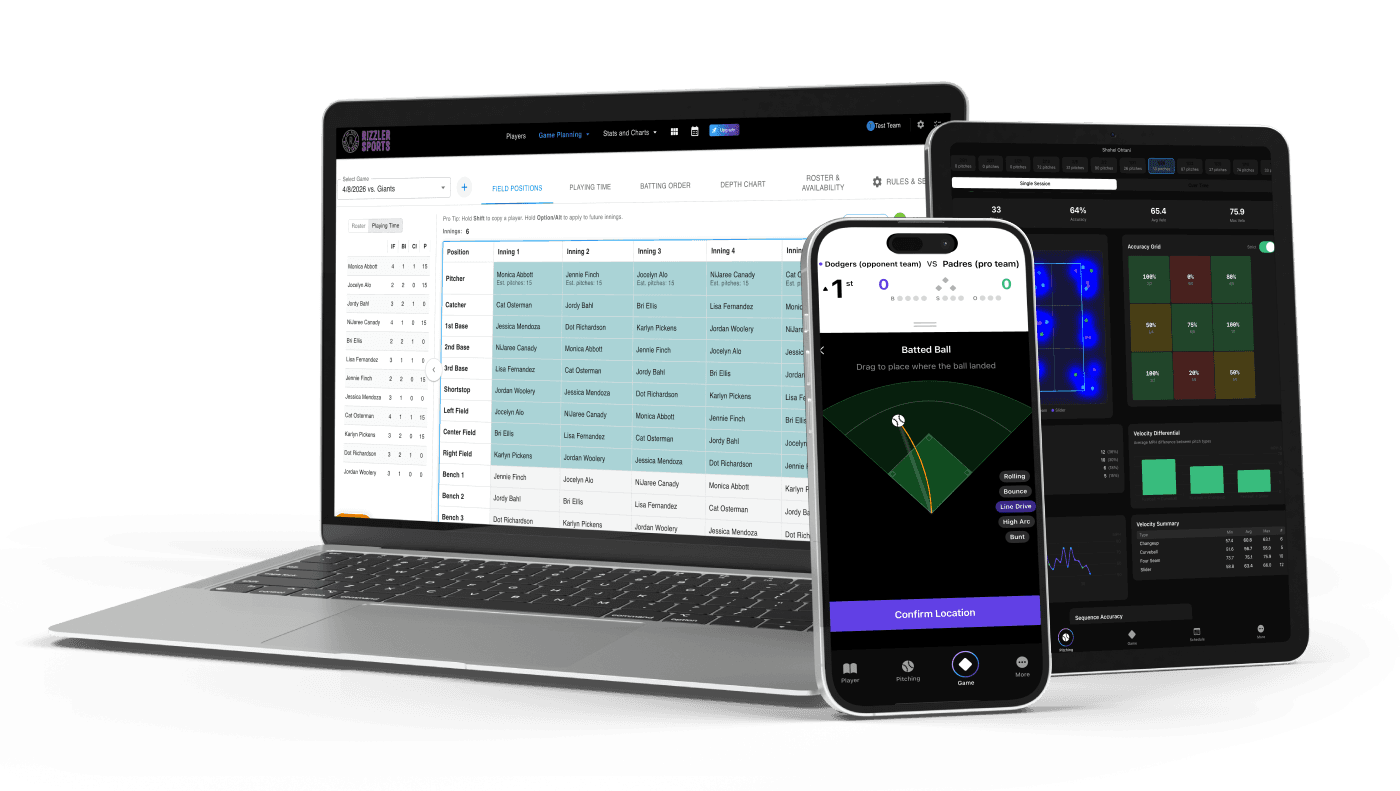
Download Rizzler for free from the Apple App Store. Search "Rizzler Baseball" in the App Store on your iPhone or iPad, tap Download, and sign in with your existing Rizzler account. If you don't have an account yet, you can create one directly in the app.
Step by Step
- Open the App Store on your iPhone or iPad.
- Search for "Rizzler Baseball" in the search bar.
- Tap Download (it's free).
- Open the app and sign in with your Rizzler account, the same email and password you use on the web app.
- Your roster, game plans, and stats sync automatically.
Requirements
Check the App Store listing for current device and iOS version requirements.
What About Android?
Rizzler doesn't have a native Android app. Android users can use the mobile-optimized web app through Chrome, Firefox, or any mobile browser. Learn more about Android support.
Frequently Asked Questions
Is the iOS app free to download?
Yes. The app is free. Your Rizzler plan (Free, Coach, or Club) determines which features are available. The app itself costs nothing to download or install.
Do I need a separate account for the iOS app?
No. Use the same account on the web app and the iOS app. Data syncs automatically between both.
Can I use the iOS app without the web app?
Yes, for day-to-day coaching. A few planning tools (like tournament planning and printable lineup cards) are web-only. Many coaches use both: the web app for planning at home and the iOS app for game day. Compare the two.
Does the app work offline?
For current capabilities and requirements, check the App Store listing. You'll need an internet connection to sync your data across devices.
Get Rizzler on your phone and take your game plans to the field.
Talk to our team
Want to spend more time coaching and less time with paperwork? Let's talk.
Tell us about your team and we'll show you how to plan games, set lineups, run the schedule, and develop players in one place, so you spend the season coaching instead of chasing admin.
Less admin, more coaching
Plan games, set lineups, and track the season in one place
Keep every family in the loop automatically
Tell us about your program
4 fields · takes 30 seconds
Lands in the same inbox as the Help button · human response only
Read Next
Printable Softball Lineup Card with DP/FLEX (Free PDF + Excel)
ResourcesVolleyball Practice Plans: Ready-to-Run Sessions by Focus
VolleyballBullpen Tracking: Chart Practice Pitching Sessions
FeaturesHow to Run a Football Tryout: A Coach's Step-by-Step Guide
LearnWrestling Practice Schedule Template: Room-Ready Session Plan
WrestlingBest Pitch Count Tracking Apps in 2026
Learn