
Comparison
Rizzler vs. Spreadsheets: Why Your Google Sheet Isn't Enough
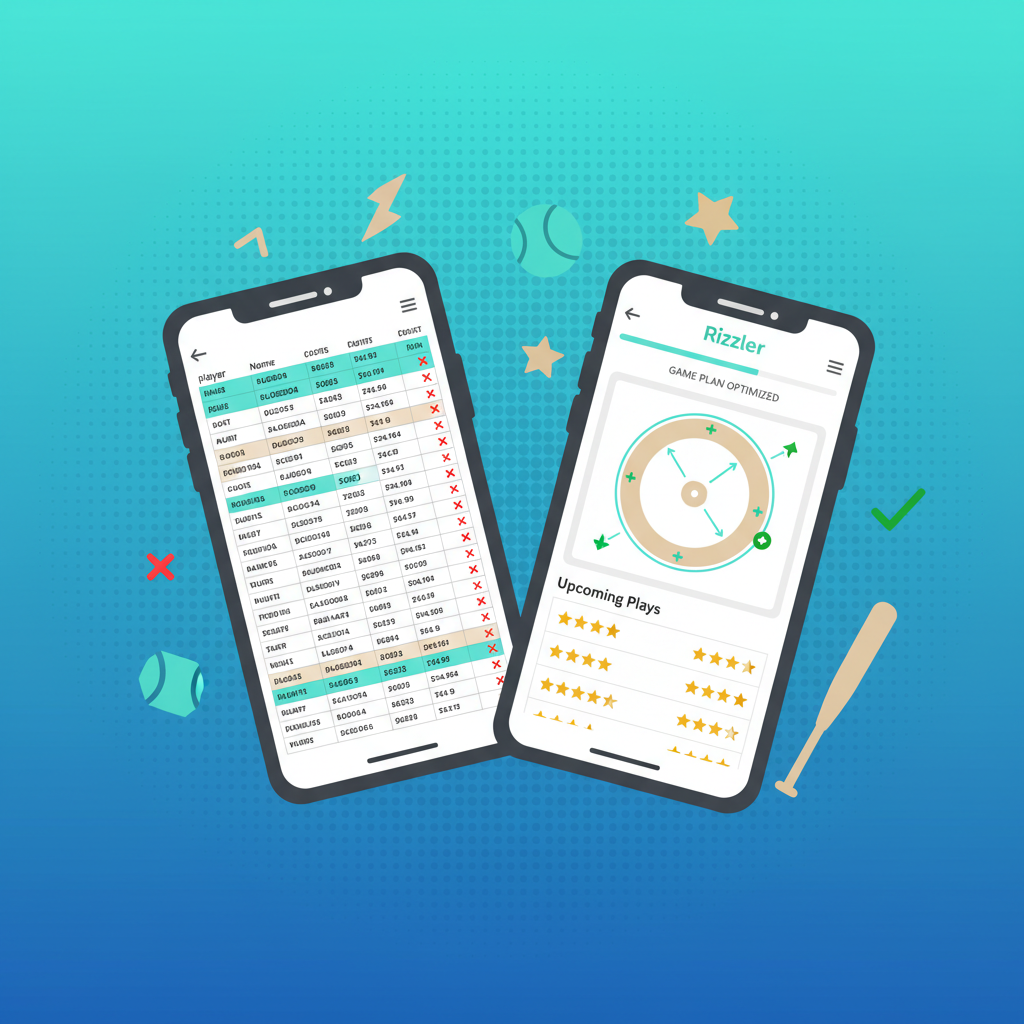
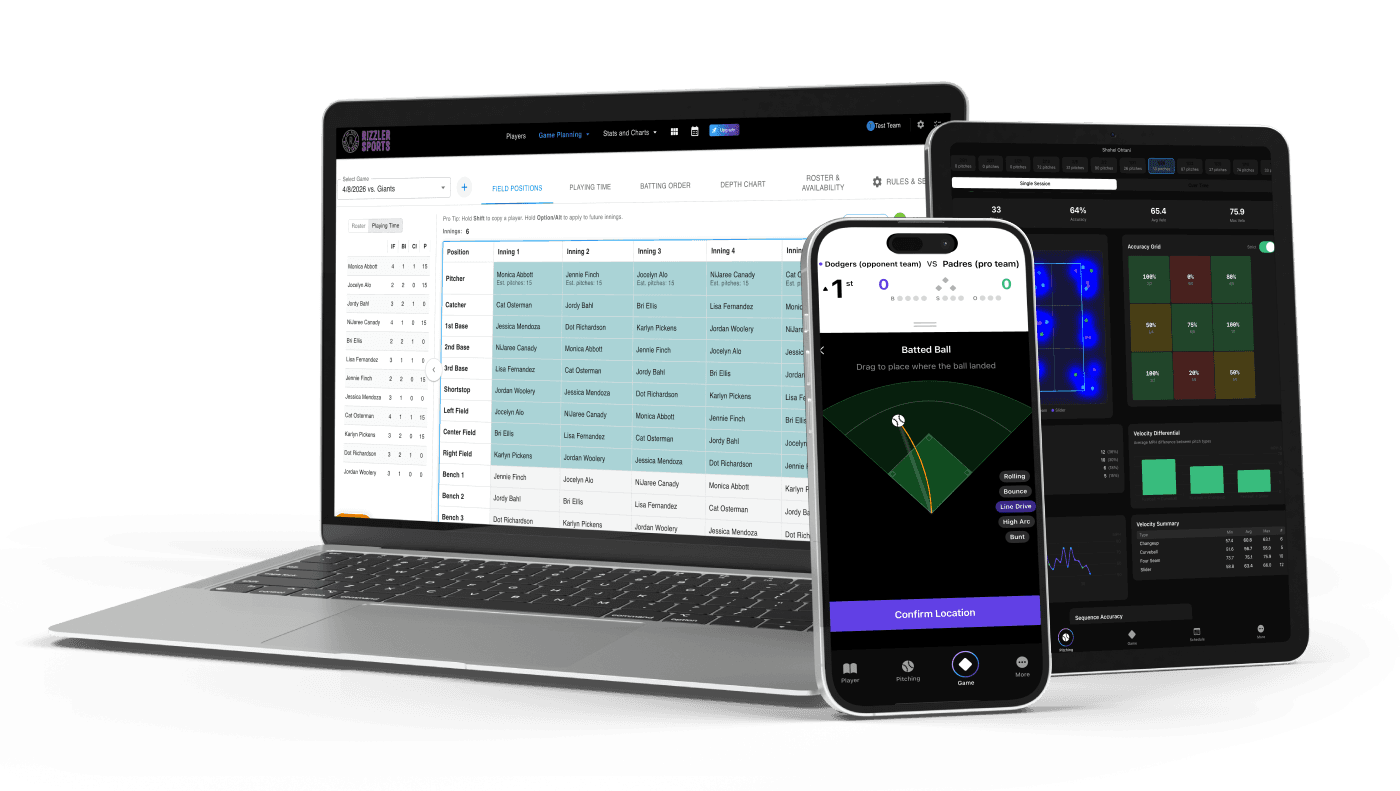
If your game planning system involves a Google Sheet, an Excel file, or a printed lineup card you fill in with a Sharpie, Rizzler replaces all of it. For free. The spreadsheet doesn't check pitch count rules, doesn't adjust your fielding rotation mid-game, doesn't count pitches in real time, and definitely isn't optimized for reading on your phone in bright sunlight while a kid asks you where he's playing next inning.
The Full Comparison
| Capability | Spreadsheet | Rizzler (Free) | Rizzler (Coach) |
|---|---|---|---|
| Build a batting order | ✅ Manual | ✅ Drag-and-drop | ✅ + AI-generated |
| Build a fielding rotation | ✅ Manual (complex) | ✅ Drag-and-drop | ✅ + AI-generated |
| Assign pitching plan | ✅ Manual | ✅ With rule checking | ✅ + tournament mode |
| Check pitch count rules | ❌ You look it up | ✅ Automatic | ✅ Automatic |
| Check rest day eligibility | ❌ You calculate it | ✅ Automatic | ✅ Automatic |
| Check minimum play rules | ❌ You count | ✅ Automatic | ✅ Automatic |
| Count pitches during a game | ❌ Use a clicker | ✅ On your phone | ✅ On your phone |
| Adjust lineup mid-game | ❌ Cross out and rewrite | ✅ Cascading updates | ✅ Cascading updates |
| Track playing time across season | ❌ Build another sheet | ✅ Automatic | ✅ Automatic |
| Plan a tournament weekend | ❌ Multiple tabs, hope you got it right | ❌ | ✅ Full planner |
| Score games privately | ❌ | ✅ | ✅ |
| AI-generated lineups from stats | ❌ | ❌ | ✅ |
| Works on your phone in the dugout | ❌ Not really | ✅ iOS app | ✅ iOS app |
| Share with assistant coaches | ❌ Email the file | ✅ Shared access (2 coaches) | ✅ Real-time sync, unlimited coaches |
What Spreadsheets Can't Do
They don't check rules. A spreadsheet doesn't know that your 11-year-old pitcher who threw 55 pitches on Tuesday needs 3 calendar days of rest, not 2. It doesn't flag the catcher who's caught four innings and can't pitch. It doesn't calculate minimum play requirements. You have to know the rules, track compliance manually, and hope you don't make a mistake that costs your team a forfeit.
Rizzler checks every rule automatically as you build your plan.
They don't work during a game. You printed the spreadsheet. Great. Now your shortstop has a bloody nose and needs to come out. You grab a pen and try to recalculate the fielding rotation for the remaining innings on the back of the lineup card. Meanwhile, you're missing a pitching change and the umpire is waiting.
Rizzler adjusts automatically. Pull the player, and every remaining inning updates in seconds.
They don't count pitches. Your spreadsheet tracks pitch counts after the fact, and only if you remember to enter them. It doesn't count pitches in real time during the game, alert you before a pitcher hits their limit, or calculate rest day impact as the count rises.
Rizzler counts pitches live on your phone with one tap per pitch.
They don't accumulate across a season. Your spreadsheet for game 12 doesn't talk to your spreadsheet for game 1. You can't see season-long playing time distribution, pitch count trends, or position history without building a separate master sheet and maintaining it by hand.
Rizzler tracks everything across every game automatically.
"But My Spreadsheet Works Fine"
It works until it doesn't. The three moments when spreadsheets fail:
Tournament weekends. Three games in a day. Pitch counts cascading. Rest days overlapping. Fielding rotations that need to account for cumulative fatigue. This is where spreadsheets break down and where Rizzler's tournament planner was specifically built to help.
The rule violation you didn't catch. You didn't realize the catcher-to-pitcher rule applied retroactively. You didn't calculate the rest days correctly. The opposing coach protests. Your league forfeits the game. The spreadsheet never warned you.
The parent meeting. "My daughter has played right field for the last four games." Has she? Your spreadsheet from three weeks ago is on a different laptop. Rizzler's playing time tracking has the answer in two taps.
The Switch Takes 15 Minutes
- Sign up (free, 30 seconds)
- Add your roster (names and positions, 3 minutes)
- Build your first game plan (10 minutes your first time, 5 minutes after that)
Your spreadsheet data doesn't need to be imported; you're starting fresh with a system that's better. If you have stats in GameChanger, you can import those into Rizzler on the Coach plan.
Frequently Asked Questions
Is Rizzler really free?
Yes. The Free plan includes game planning, lineup building, pitch counting, scoring, playing time tracking, and rule compliance. No credit card. No trial period. Free forever. More →
What does the Coach plan add that my spreadsheet definitely can't do?
AI Batting Order that generates lineups from stats. AI Fielding Positions that builds the rotation. Tournament planning that maps out multi-game weekends. Player evaluations with structured rubrics. Compare plans →
Can I still print a lineup card?
Yes. Export your game plan to share or print. The difference is that the plan was built with rule checking, and changes made during the game are tracked automatically, unlike a printed spreadsheet where mid-game changes are lost.
I coach travel ball. Is the Free plan enough?
For basic game planning, yes. For tournament weekends, AI lineups, and player evaluations, you'll want the Coach plan. Most travel coaches upgrade after their first tournament. Rizzler for travel coaches →
The spreadsheet took years to perfect; replacing it takes about 15 minutes.
Talk to our team
Want to spend more time coaching and less time with paperwork? Let's talk.
Tell us about your team and we'll show you how to plan games, set lineups, run the schedule, and develop players in one place, so you spend the season coaching instead of chasing admin.
Less admin, more coaching
Plan games, set lineups, and track the season in one place
Keep every family in the loop automatically
Tell us about your program
4 fields · takes 30 seconds
Lands in the same inbox as the Help button · human response only
Read Next
4-2 Volleyball Rotation: The Best First System
VolleyballPrintable Softball Lineup Card with DP/FLEX (Free PDF + Excel)
ResourcesPONY Baseball Age Chart 2026: Divisions & Cutoff
RulesTryout Evaluation Form: Printable Template for Any Sport
ResourcesBullpen Tracking: Chart Practice Pitching Sessions
FeaturesPerfect Game Age Chart 2026: Birthdates & Grad Years
Rules