
Learn
How to Organize a Youth Sports Team: A Coach's Season Checklist
Organizing a youth sports team comes down to getting five things in order: your roster, your schedule, your attendance, your practices, and a way to develop players over the season. Get those working together and running the team stops feeling like a second job. Get them scattered across a group text, a spreadsheet, and your memory, and you spend more time on logistics than coaching. The list is the same for every sport, and if a fall season is next on your calendar, the weeks before school starts are exactly when to work through it. Here is the whole season at a glance, then each piece in the order you should build it.
| Step | What you set up | When to do it |
|---|---|---|
| 1. Roster | One record per family: player info plus parent contacts | 4 to 6 weeks before the season |
| 2. Schedule | Practices, games, and tournaments, synced to family calendars | 2 to 4 weeks before the season |
| 3. Availability | RSVPs on every event so you always see a headcount | The day the schedule goes out |
| 4. Practices and games | Plans and lineups that run from the same roster | Week one onward |
| 5. Player development | Evaluations, skill reports, and at-home reps | Mid-season, once 1 through 3 hold |
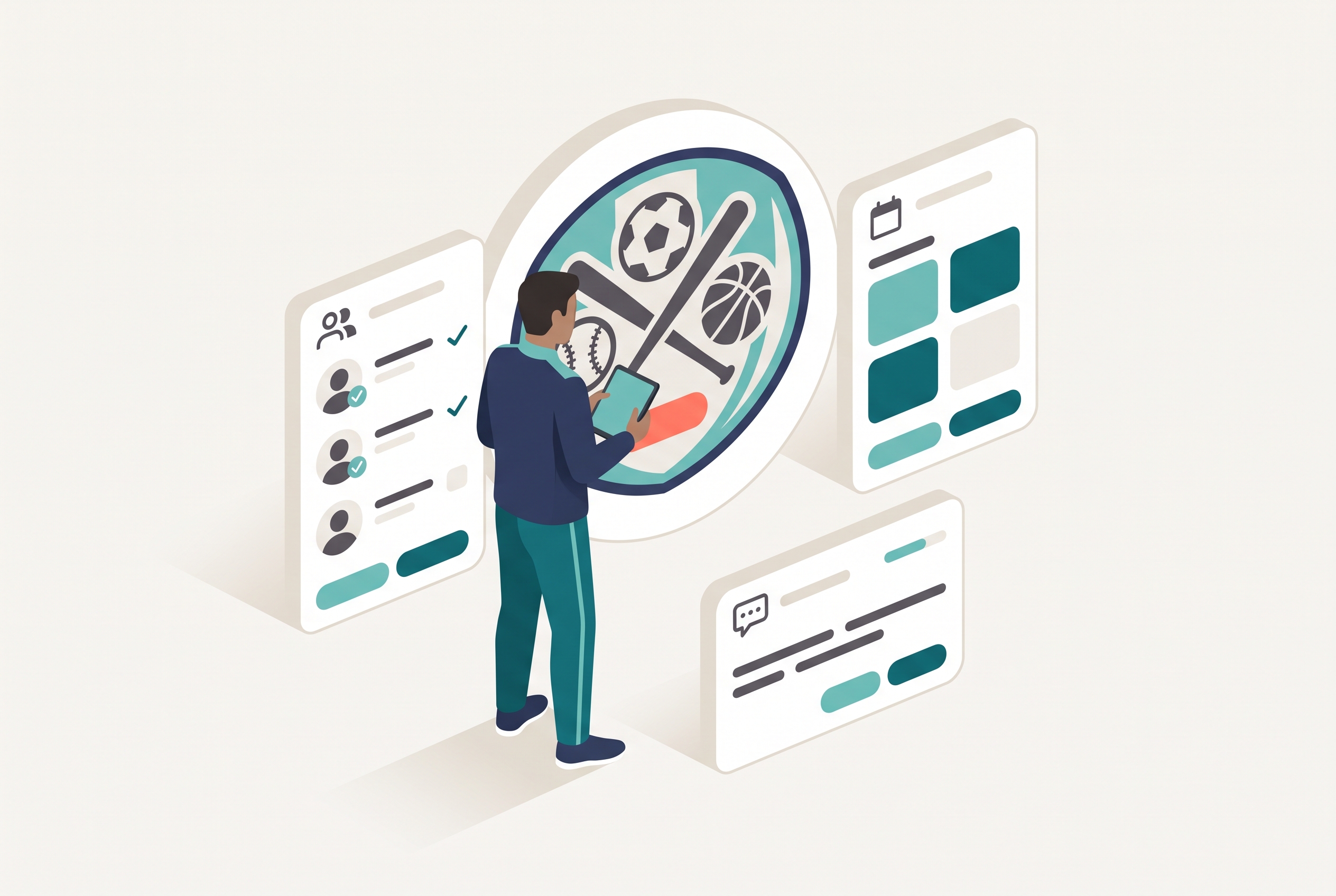
Most first-year coaches learn this the hard way. They are prepared to run drills and set a lineup, then get buried by the admin: collecting phone numbers, chasing RSVPs, re-sending the schedule, remembering who missed what. The coaching is the easy part. Organizing the team around it is what separates a smooth season from a chaotic one.
1. Build the roster first
Everything starts with the roster, because every other piece depends on knowing exactly who is on the team and how to reach their family. Before your first practice, collect this per player, in one place, and resist the urge to ask for more:
- Player's full name and date of birth (leagues verify age, so get it right once)
- Jersey size, and jersey number if you assign them
- Primary parent or guardian: name, mobile number, email
- Second contact: name and mobile, for two-household families and grandparent pickups
- Emergency contact if different, plus any medical notes or allergies
- Photo and media consent, yes or no
- Whatever your league requires, such as proof-of-age documents or a registration ID
Every extra field beyond that list costs you response rate. A form with seven fields comes back in a day. A form with twenty comes back after the third reminder.
A proper roster is more than a contact list. It is the spine the rest of the season hangs on: your schedule, your attendance, your lineups, and your evaluations all reference the same players. When the roster lives in a real team management app instead of a spreadsheet, you enter each family once and never re-type them into a second tool. If your club forms teams through tryouts, which in Rizzler is a Club-plan workflow, the tryout roster carries straight into the season instead of being rebuilt from scratch. Sport-specific roster guides: volleyball, football, and flag football.
2. Set the schedule and share it where families look
With a roster in place, lay out the season. Block your recurring practices first, since they are the backbone, then add league games, tournament weekends, and one-offs, each with a real location and a visible arrival time. Our full walkthrough on how to make a team schedule covers the order, plus the planning numbers: how many practices per week each age level needs and how late leagues tend to publish games.
The step coaches most often botch is not building the schedule but sharing it. A calendar nobody opens does nothing. The fix is to sync the schedule into the Google and Apple calendars families already use, so team events sit next to the rest of their lives. In Rizzler, Schedule Sync is free on every plan, and how to share a team schedule with parents walks through the sharing methods and the exact kickoff message to send. The schedule and attendance overview shows the whole toolkit in one place. Share it well and you stop being the human relay for every date and time.
3. Track availability so you know who is coming
A schedule tells families when to show up. Availability tells you whether they will. This is the difference between a list of dates and an organized team. Turn on availability so players and parents can RSVP Yes, No, or Maybe for each event. In Rizzler that is free on every plan, and older players can RSVP for themselves through the player app or the website.
Knowing your headcount early is what lets you actually run the team. If Wednesday shows eight players marked for Saturday, you have three days to call two families or rework the lineup, instead of discovering the problem at game time. On Coach and Club, availability updates in real time and email and SMS reminders go out automatically, so the "maybes" resolve without you chasing them. For the full method, see how to track attendance for a sports team, and if empty practices are your bigger problem, how to reduce no-shows at practice.
4. Run practices and games from the same place
Now the day-to-day. An organized team runs its practices and games out of the same system that holds the roster and schedule, so nothing lives in a separate binder. Put practice plans on the calendar like any other event, so "is there practice tonight?" stops being a text you answer twelve times. For games, build your lineup from the roster you already entered rather than a fresh sheet of paper each week.
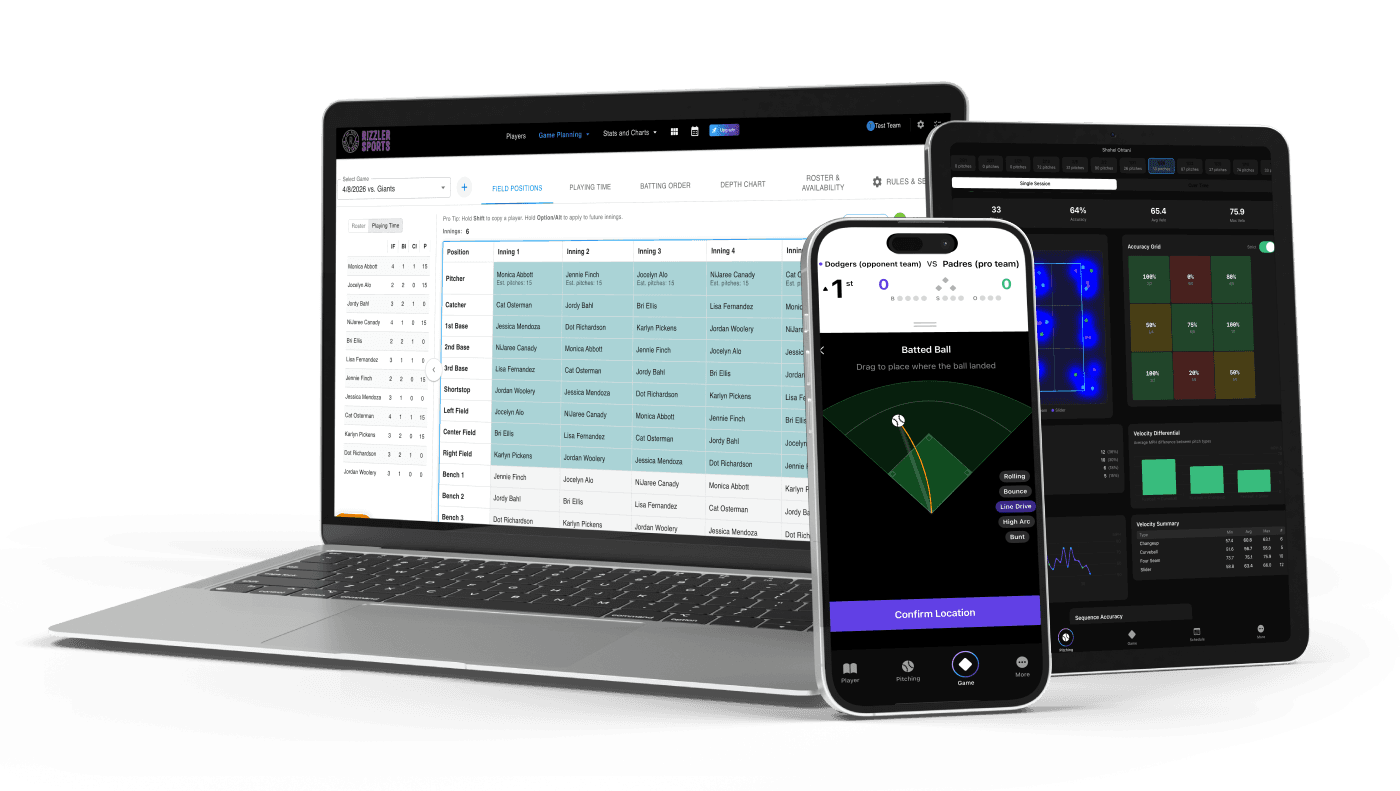
For baseball and softball specifically, Rizzler goes deep here, and it is worth knowing what sits on which plan. Game planning, lineup building, printable lineup cards, and pitch counting are on every plan, including Free. AI batting orders, AI fielding positions, multi-game planning, and tournament planning are Coach and Club features. In other sports, the team-management core still runs the whole operation: roster, schedule, availability, and reminders. The organizing principle is the same either way. One place, one roster, no re-entry, so the admin gets out of the way of the coaching.
5. Develop players and keep families in the loop
The last piece is what turns an organized team into a good experience, and it is the part most coaches never systematize: developing players across the season and letting families see it. This is where the earlier work pays off, because the same roster and schedule you built now carry evaluations and progress.
On Rizzler's Coach and Club plans, you can run structured player evaluations, track skills across the season, and send each family a skill report that shows how their kid grew. That report is the thing parents remember, and it is what gets a coach asked back. The same plans include Rizzler Reps, which gives athletes drills, streaks, and daily targets between practices, with baseball and softball libraries live today and more sports on the way. You do not have to run all of this in your first season. Build on a system that can carry development, not just logistics, and you can add it when you are ready without starting over.
Your pre-season timeline, week by week
If the five steps above are the what, this is the when. Work backward from your first game:
| Weeks before first game | What to do |
|---|---|
| 6 weeks out | Confirm roster size with the league; send the parent info form; start collecting registrations and proof-of-age documents |
| 5 weeks out | Close the roster; enter every family into your team app once; ask for season conflicts in writing |
| 4 weeks out | Lock practice slots with the league or facility; block recurring practices as a series; add blackout dates |
| 3 weeks out | Hold the first practice; send families the schedule link and kickoff message; turn on availability |
| 2 weeks out | Add league games as they publish (this late is normal); include arrival times; group tournament weekends |
| 1 week out | Check RSVPs for game one; follow up with the two families who have not answered; draft your first lineup |
Dates will slide, and that is fine. The order is what matters: roster before schedule, schedule before availability, all three before opening day.
Put it together
An organized youth sports team is not the coach who works the hardest at admin. It is the coach who set the team up so the admin mostly runs itself: one roster everyone flows from, a schedule synced to the calendars families use, availability that gives a live headcount, practices and games run from that same place, and a path to develop players when you are ready. Do that, and the time you save goes back into coaching, which is why you signed up in the first place. Start with the roster and the parent info form this week, add the schedule next, and let the season build from there.
Frequently Asked Questions
What is the first step to organizing a youth sports team?
Build the roster. Collect each player's name, date of birth, and parent contact info in one place before your first practice, because your schedule, attendance, lineups, and evaluations all reference the same players. In Rizzler you enter each family once and every other feature draws from it, so you never re-type them.
What do I actually need to keep a youth team organized all season?
Five things working together: a roster, a shared schedule, availability tracking, a place to run practices and games, and a way to develop players. When they live in one team management app instead of a text thread and a spreadsheet, the admin mostly runs itself.
Does Rizzler work for sports other than baseball and softball?
The team-management core works for any sport: roster, schedule sync, availability, and reminders. Player evaluations carry across sports too on the Coach and Club plans, and the structured tryouts workflow (a Club plan feature) does as well. The deep in-game coaching, meaning AI lineups, live scoring, pitch counts, and hit charting, is built for baseball and softball, and Rizzler Reps drill libraries currently cover those two sports with more coming. Any team can get organized in Rizzler; the diamond gets the extra in-game depth.
How much does it cost to organize a team in Rizzler?
The Free plan runs a real team: roster, schedule sync, and availability with self-RSVP are all included. Coach adds real-time availability, email and SMS reminders, evaluations, skill reports, tournament planning, and Rizzler Reps. Club is for organizations running many teams and tryouts.
When should I start thinking about player development, not just logistics?
Whenever you are ready, which is the point of building on one system. Get the roster, schedule, and availability running first, since those are the foundation. Then layer in season-long evaluations and skill reports on Coach or Club without rebuilding anything, because they use the roster you already have.
Ready to get your whole team organized in one place?
Running a club or league with many teams to organize? Our team can help.
Talk to our team
Want to spend more time coaching and less time with paperwork? Let's talk.
Tell us about your team and we'll show you how to plan games, set lineups, run the schedule, and develop players in one place, so you spend the season coaching instead of chasing admin.
Less admin, more coaching
Plan games, set lineups, and track the season in one place
Keep every family in the loop automatically
Tell us about your program
4 fields · takes 30 seconds
Lands in the same inbox as the Help button · human response only
Read Next
Is My Team's Data Secure in Rizzler?
FAQHow to Build a Batting Order for 13U-14U Baseball
LearnWhat is a Baseball Lineup Generator?
LearnBatting Average (AVG): Definition, Formula & Youth Baseball Context
StatsHow to Plan a 3-Game Tournament Weekend
BlogWhat Baseball Stats Should You Track at 12U?
Stats