Features
Run League-Wide Evaluation Events with Ease
Rizzler's evaluation events feature lets Little League organizations run pre-season player assessments digitally: multiple coaches evaluating unrostered players across age groups simultaneously, using standardized rubrics on their phones, with all data collected in one place and ready for draft preparation.
What Is an Evaluation Event?
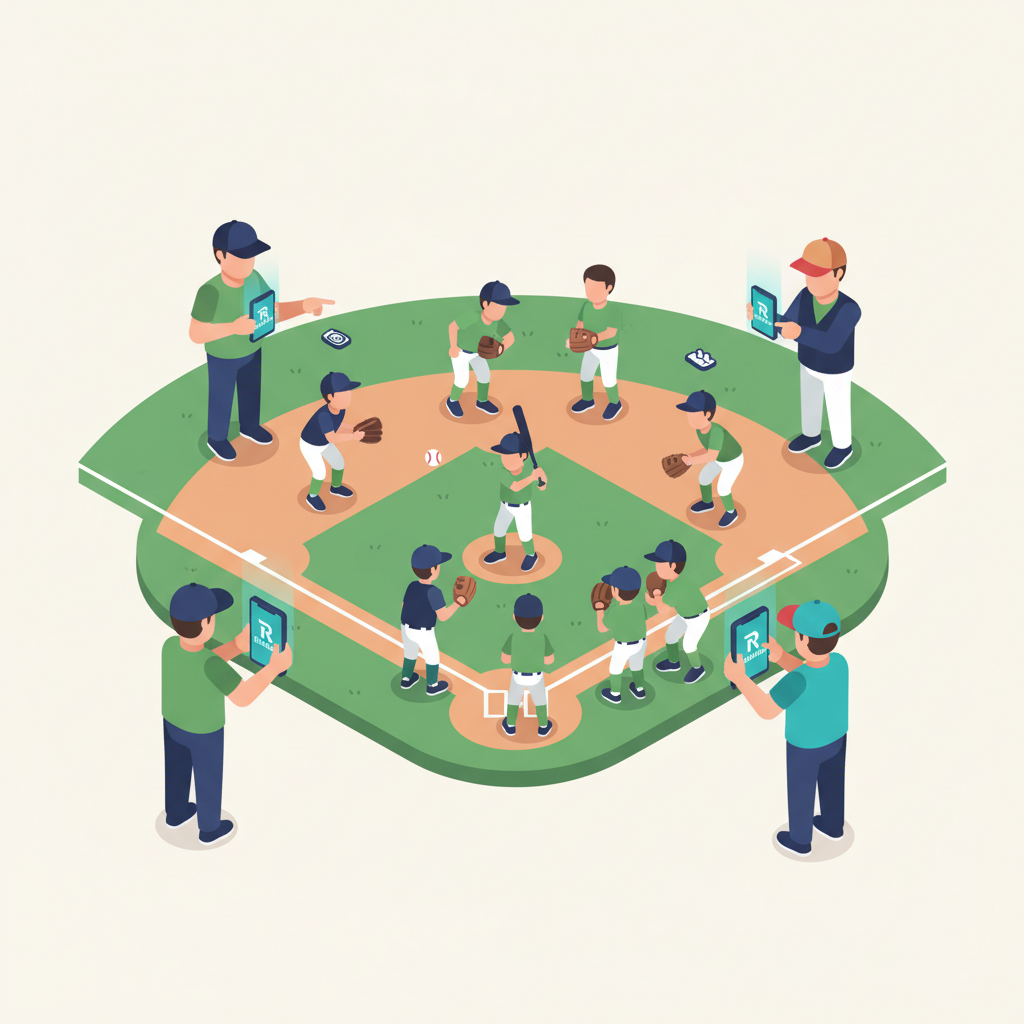
If you've run a Little League, you know the drill. Before the season starts, and before the draft, every registered player shows up to the fields for evaluation day. Coaches rotate through stations: hitting, fielding, throwing, running. They watch players they've never seen before and try to assess who can play where.
The traditional version involves clipboards, paper forms, and a scoring system that varies by evaluator. Coaches scribble numbers, someone collects the papers, and then a board member spends hours transcribing everything into a spreadsheet before the draft.
Rizzler replaces the clipboards, the paper, the transcription, and the spreadsheet. Every coach evaluates on their phone using the same standardized rubric. Every score lands in the same database in real time. When evaluation day is over, the data is already organized and ready for the draft.
Evaluation events are different from player evaluations. Player evaluations assess players who are already on a team: mid-season check-ins, end-of-season reviews. Evaluation events assess unrostered players before they're assigned to teams. Both use Rizzler's shared evaluation engine, but they serve different purposes at different points in the season.
How Evaluation Events Work
-
The league admin creates the event. Set the date, age groups, and evaluation stations (hitting, fielding, throwing, speed, arm strength, baseball IQ, whatever your league assesses). Select or customize the scoring rubric.
-
Register players. Add all players who will be evaluated. This can be done in bulk by the admin before the event.
-
Assign evaluators. Invite coaches to the event in Rizzler. Each coach downloads the iOS app or opens the web app and sees the event with its list of players and rubric.
-
Evaluate. On evaluation day, coaches move through their assigned stations. For each player at each station, they tap a score on their phone. No paper. No clipboards. Scores sync instantly.
-
Multiple coaches, same player. Rizzler supports multiple evaluators scoring the same player. This is critical for reducing bias: if three coaches score the same kid, the average is more accurate than any single opinion.
-
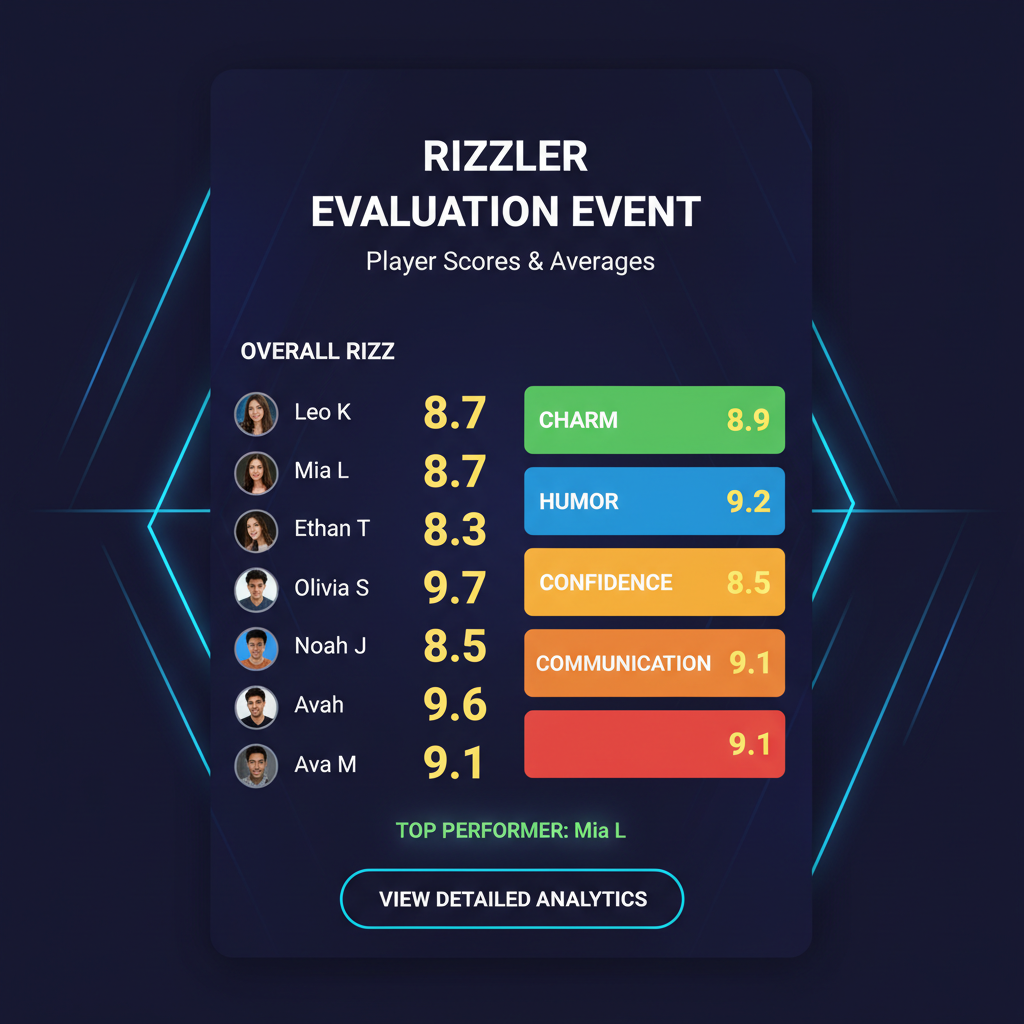
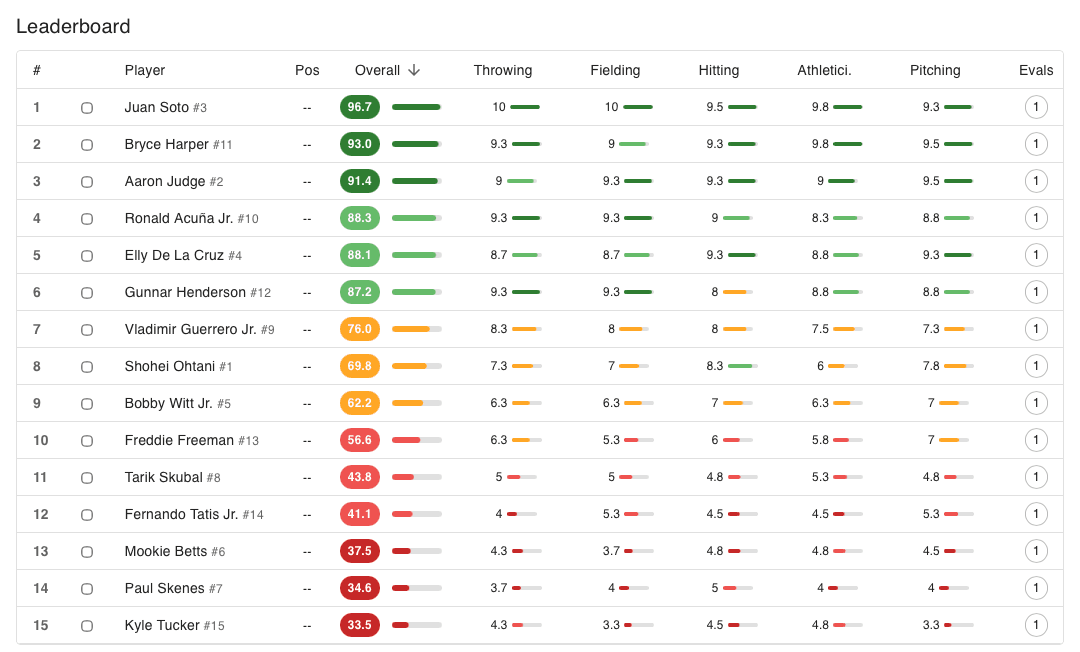
Review the data. After the event, league admins see a complete dashboard: every player, every score, every evaluator, with averages and rankings. Sort by overall score, by skill, by age group.
-
Prepare for the draft. Export the data or use it directly within Rizzler to inform draft decisions.
Key Capabilities
| Capability | What It Does |
|---|---|
| Customizable rubrics | Create scoring criteria that match your league's evaluation process |
| Multi-evaluator support | Multiple coaches score the same players simultaneously; scores are averaged |
| Real-time sync | Every score appears in the admin dashboard as it's entered |
| Age group organization | Separate players and scores by age division |
| Station-based flow | Coaches evaluate at assigned stations (hitting, fielding, etc.) |
| Mobile-first | Coaches evaluate on their phones; no paper, no clipboards |
| Draft-ready data | Complete player rankings available immediately after the event |
| Historical tracking | Compare evaluations year over year for returning players |
Why This Matters for Little League Organizations
Running a fair draft starts with running a fair evaluation. When every coach uses a different paper form, applies different standards, and scores on different scales, the draft data is unreliable. Coaches with more experience tend to score tighter. First-year coaches score more generously. Nobody's comparing notes in real time.
Rizzler standardizes the process. Every evaluator sees the same rubric with the same scale, and scores are averaged automatically. The result is draft data your board can actually trust, which means a more balanced draft.
League boards can also use evaluation event data to identify players who may need additional support or development, flag potential safety concerns (a player assigned to pitch who clearly can't throw strikes), and ensure competitive balance across teams.
Evaluation Events vs. Player Evaluations vs. Tryouts
Rizzler has three evaluation-related features that share the same underlying engine but serve different audiences and purposes:
| Feature | Who It's For | When It's Used | Players Being Evaluated |
|---|---|---|---|
| Evaluation Events | Little League organizations | Pre-season, before the draft | Unrostered players (new and returning) |
| Player Evaluations | Individual coaches (Coach+) | Mid-season, end-of-season | Players already on a team |
| Team Tryouts | Travel/select clubs (Club) | Pre-season tryout period | New and returning players trying out for a team |
All three use customizable rubrics, mobile-first scoring, and support measurables like exit velo, pitch speed, and pop time. The difference is the context: who's being evaluated, when, and what happens with the data afterward.
Frequently Asked Questions
Can multiple coaches evaluate the same player at the same time?
Yes. That's one of the core design principles. Rizzler supports simultaneous scoring and averages the scores automatically.
What scoring rubric does it use?
You choose. Rizzler defaults to a 10-point scale, since it normalizes to a percentage and ranks a full division cleanly, and also includes pre-built templates for a 5-point scale, the 20-80 scouting scale, and pass/fail by skill. You can also build a completely custom rubric with your own categories, scales, and weights.
Do coaches need the iOS app?
Coaches can evaluate using either the iOS app or the web app on their phone's browser. The iOS app is recommended for the best experience, but it's not required.
Can I use evaluation data for our draft?
Absolutely. That's the primary use case. After the evaluation event, all player scores, rankings, and averages are available in the organization dashboard and can be exported for your draft meeting. More on draft preparation →
Is this available on the Coach plan?
Evaluation events are available on the Club plan only. This feature is designed for league-wide operations, not individual coaches. Compare plans →
Evaluation events are part of Rizzler's suite of tools for Little League organizations. See everything Rizzler offers leagues →
Talk to our team
Running a league? Let's talk.
Tell us about your league and we'll show you how to bring every team up to one evaluation standard and see the whole picture from the organization dashboard, usually within one business day.
One evaluation standard across every team
Evaluation days and drafts with consistent, comparable scores
League-wide visibility in the organization dashboard
Tell us about your program
4 fields · takes 30 seconds
Lands in the same inbox as the Help button · human response only
Read Next
Batting Stats: Every Offensive Stat Explained for Coaches
StatsIs My Team's Data Secure in Rizzler?
FAQYouth Baseball Arm Care Program by Age (Free Printable Routine)
LearnHow to Run an Ice Hockey Tryout: A Coach's Step-by-Step Guide
LearnIs Rizzler Free? Yes, Here's What's Included
FAQHow to Plan Pitching Across a Tournament Weekend
Blog