
Blog
How the Tournament Planning Tool Works
Rizzler's tournament planning tool maps your entire weekend before the first pitch: pitchers assigned to games, pitch count targets set, rest day rules enforced, and availability updated in real time as games happen. Here's exactly how it works, step by step.
Step 1: Create the Tournament
Open the web app and create a new tournament. Enter:
- Tournament name (e.g., "Memorial Day Classic 2026")
- Dates (Saturday-Sunday, or longer)
- Games: Add each game with time, opponent (if known), and format (pool play, bracket, championship)
- League rules: Select your governing body. Rizzler loads the correct pitch count limits and rest day requirements.
Rizzler builds a tournament timeline showing all games laid out across the weekend.
Step 2: Assign Your Pitching Plan
This is the core of the tool. For each game, assign:
- Starter: who's pitching first
- Target pitch count: how many pitches you want this pitcher to throw (your strategic target, not the maximum)
- Relief options: who's available if the starter comes out early
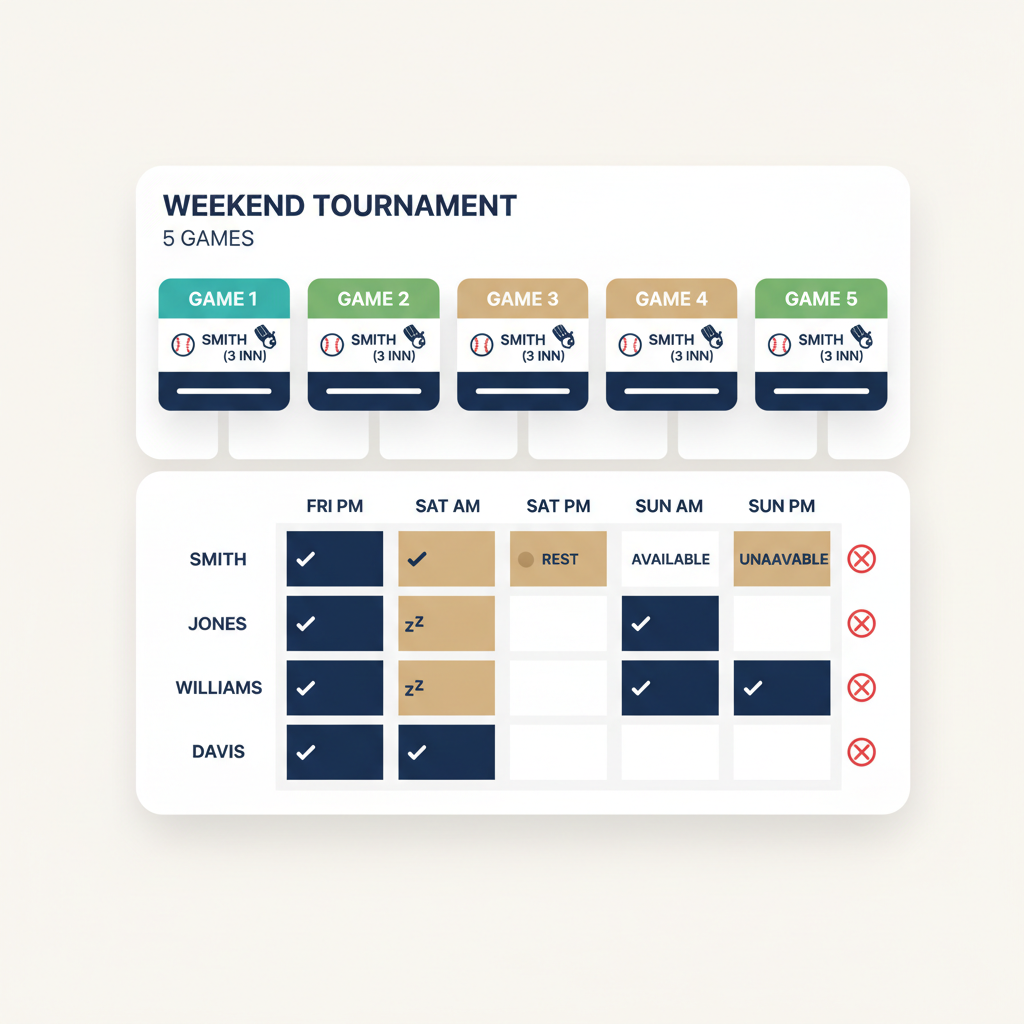
As you assign pitchers, the availability grid updates in real time. The grid is a matrix of pitchers × games, color-coded:
| Color | Meaning |
|---|---|
| 🟢 Green | Available, no restrictions |
| 🟡 Yellow | Available with limits, close to a pitch count threshold that triggers additional rest |
| 🔴 Red | Unavailable, still in a rest period |
| ⚫ Gray | Assigned to start this game |
If you assign Pitcher A to throw 55 pitches in Game 1, the grid shows Pitcher A's availability for Games 2-5 based on the rest day rules. You see the downstream impact immediately, before the tournament starts.
Step 3: Model Scenarios
What if Pitcher A gets shelled and only throws 25 pitches? What if Pitcher B is sick? Rizzler lets you create alternate scenarios:
- Scenario A: Pitcher A goes 55 pitches in Game 1, Pitcher B starts Game 2
- Scenario B: Pitcher A gets pulled early (25 pitches), Pitcher B goes to Game 1, Pitcher C starts Game 2
- Scenario C: Pitcher B is unavailable, Pitcher D starts Game 2
Each scenario shows the full weekend's pitcher availability grid. When the actual situation unfolds, you've already planned for it. More on scenario planning →
Step 4: Execute During Games
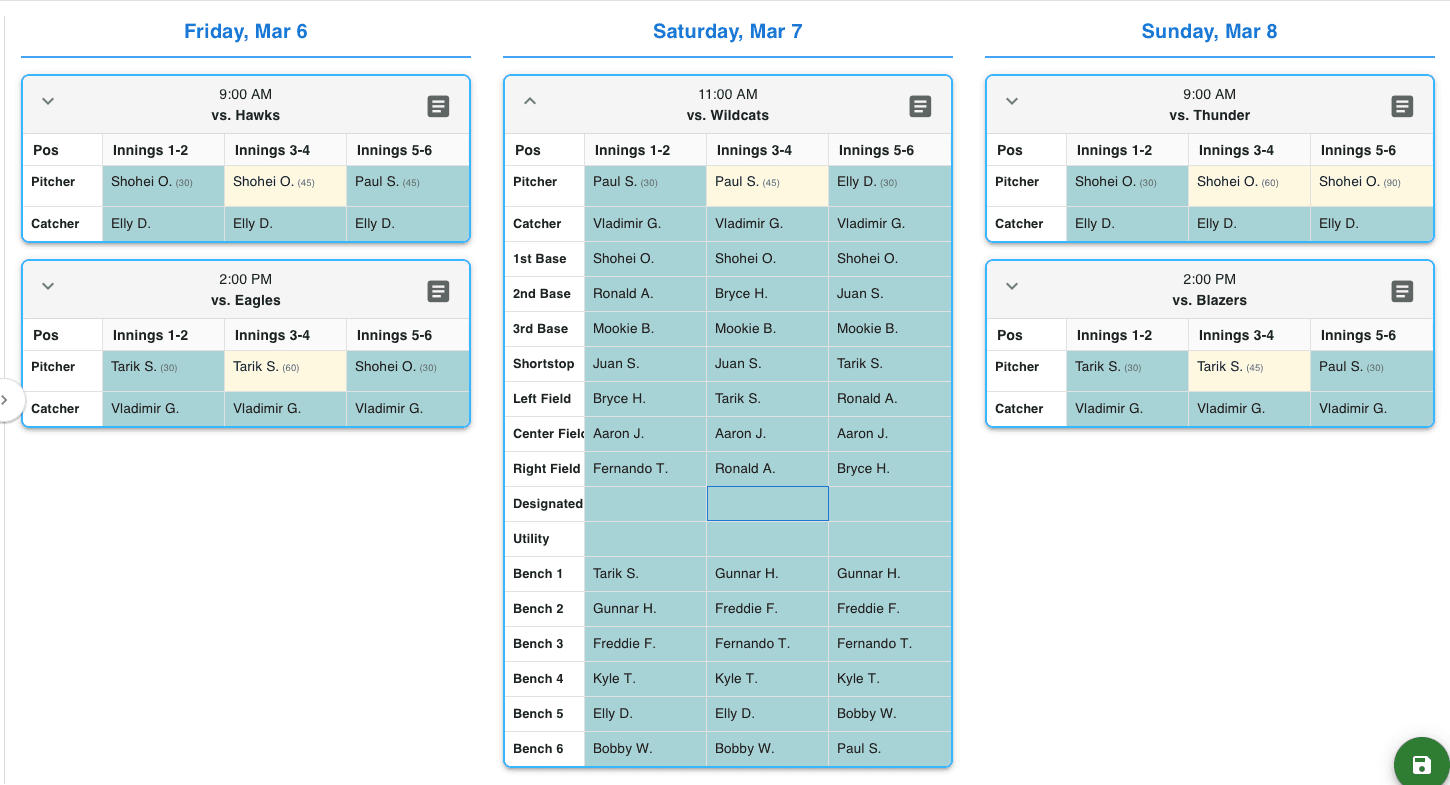
On game day, open the iOS app. Your game plan for the current game is there: lineup, fielding, pitching assignment.
Count pitches in real time. As your pitcher throws, tap for each pitch. The tournament planner updates:
- Current pitch count for this game
- Projected rest day impact ("if pulled now: 1 rest day; if he finishes this inning: 2 rest days")
- Updated availability for remaining games in the tournament
You're not doing the math in your head between innings. You can see exactly what pulling your pitcher now versus letting him throw 10 more pitches means for tomorrow's games.
Step 5: Recalculate After Each Game
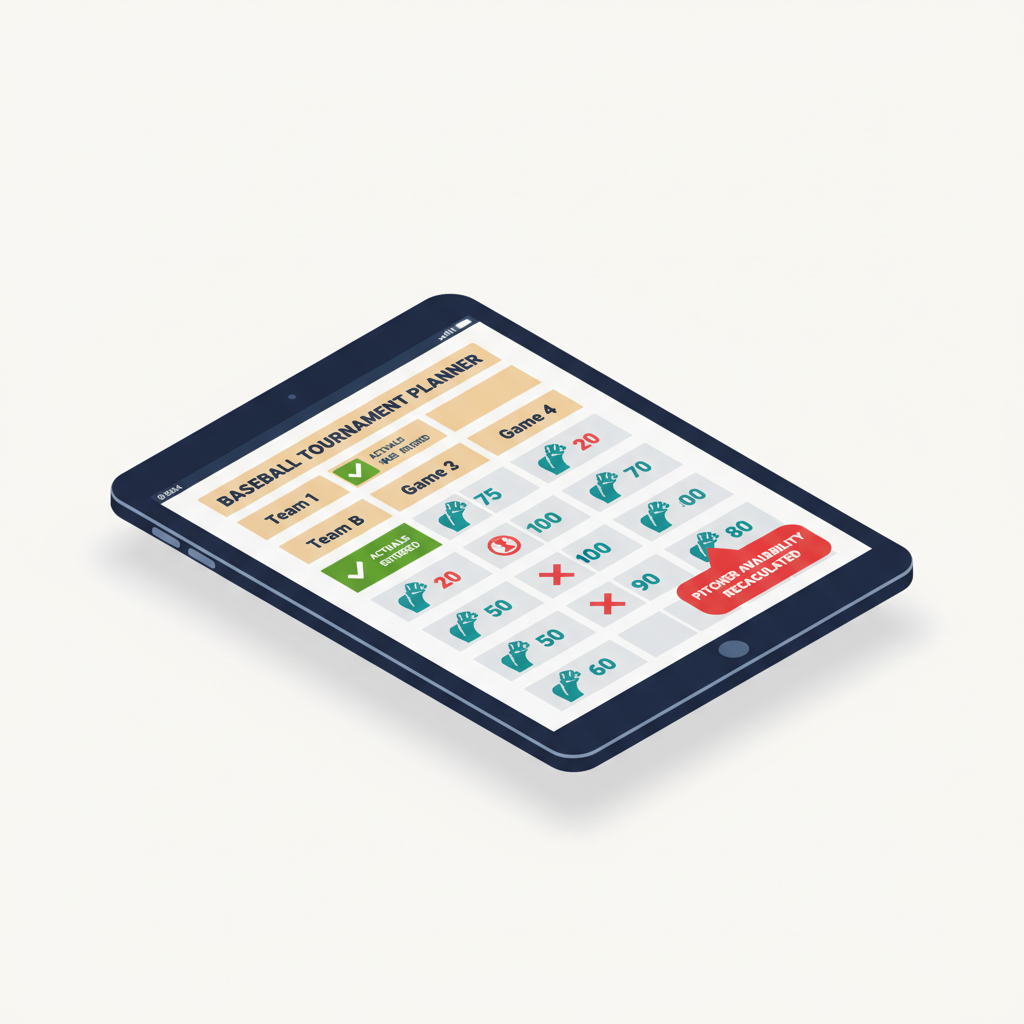
When a game ends, Rizzler replaces projected pitch counts with actual pitch counts and recalculates every remaining game's availability.
Your Game 1 starter threw 18 pitches instead of the planned 35? The grid updates. With 0 rest days instead of 1, he's now available to relieve on Sunday instead of being done until Monday. That changes your entire plan for Games 2-5. The tool shows you the new reality in seconds.
Step 6: Adjust and Continue
Between games, review the updated grid. If the plan needs to change (it usually does), make adjustments and the grid recalculates again. This loop continues through every game:
Plan → Play → Record actual counts → Recalculate → Adjust → Repeat
By the championship game, you know exactly who's available, how many pitches they can throw, and whether you've got enough arms. No surprises.
What the Tool Doesn't Do
It doesn't make the decision for you. The tool shows you the math, the availability, the tradeoffs. You decide whether to pull your starter at 45 pitches to save him for the bracket, or let him throw 65 to win this pool play game. The tool makes sure you're making that decision with full information.
Frequently Asked Questions
Does tournament planning require the Coach plan?
Yes. Tournament planning is available on the Coach plan and Club plan. Single-game planning and pitch counting are on the Free plan. Compare plans →
Can I use the tool for a single doubleheader?
Yes. Create a "tournament" with 2 games. The pitcher availability grid works the same way, tracking rest days between the two games.
How does it handle different leagues' rules?
Set your governing body when creating the tournament. Rizzler loads the correct pitch count limits, rest day thresholds, and catcher-to-pitcher restrictions. For multi-league events, use the most restrictive set of rules.
Can my assistant coaches see the tournament plan?
Yes. Any coach on the team can view the tournament plan, pitcher availability grid, and game plans. In the iOS app, they see the same real-time updates you do.
Tournament planning starts with a plan. Get the full checklist → · Pitching strategy guide → · Tournament Planning Hub →
The fastest way to see if the planner fits your weekend is to set one up. Start with a free account, and upgrade to Coach or Club when you're ready to map a full tournament.
Talk to our team
Want to spend more time coaching and less time with paperwork? Let's talk.
Tell us about your team and we'll show you how to plan games, set lineups, run the schedule, and develop players in one place, so you spend the season coaching instead of chasing admin.
Less admin, more coaching
Plan games, set lineups, and track the season in one place
Keep every family in the loop automatically
Tell us about your program
4 fields · takes 30 seconds
Lands in the same inbox as the Help button · human response only
Read Next
Volleyball Tryout Drills: A Station Plan That Scores Every Skill
VolleyballBest Baseball Tryout Management Tools in 2026
LearnPlayer Development: Track Every Player Across the Season
FeaturesPractice Manager: Build a Timed Practice Plan in Minutes
FeaturesRizzler vs LineupGen: Lineup Generator Comparison
ComparisonLittle League Age Eligibility: League Age Determination
Rules